
Ad Video turns a product or app link into a ready-to-generate video ad. It analyzes the link, imports useful product information and images, suggests ad ideas, and creates a script that you can review or edit before deciding whether to generate a storyboard.
1. Start an Ad Video
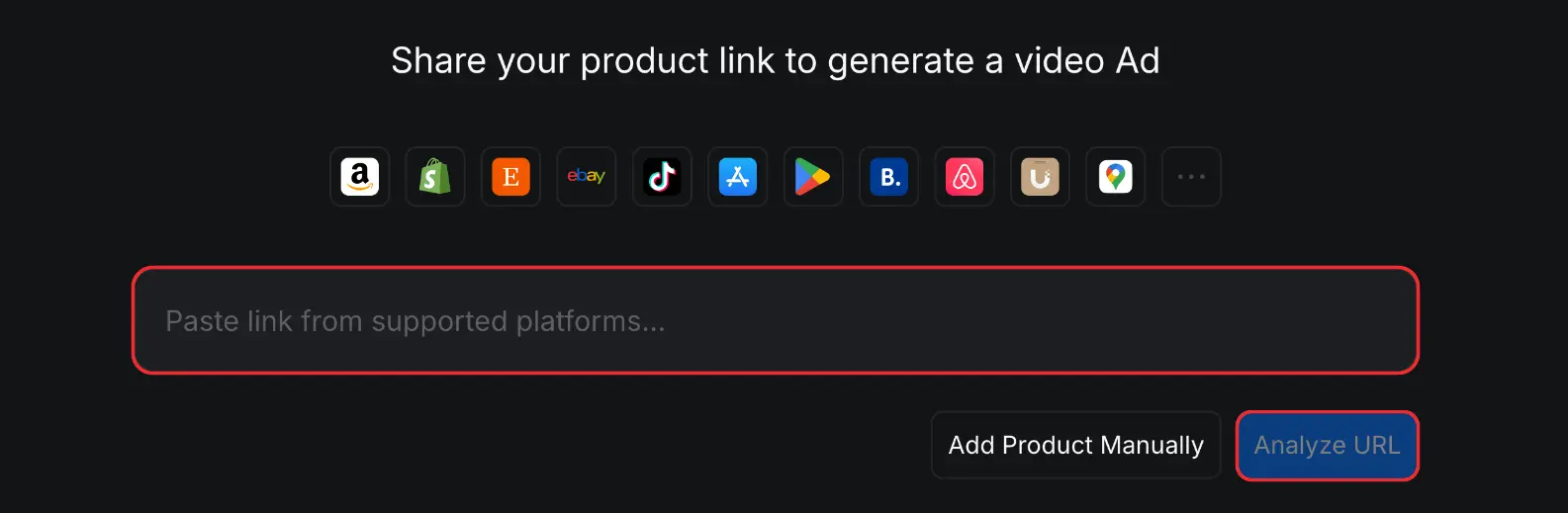
Ad Video is optimized for links from Amazon, Shopify, Etsy, eBay, TikTok, Google Maps, Booking.com, Airbnb, and App Store, Google Play.
- Open [Ad Video].
- Paste a supported product, store, app, or business URL into the link field.
- Click [Analyze URL]. Ad Video collects the available product name, description, images, logo, and selling points from the page.
2. Review the Product Information
Check the imported product name, description, assets, selling points, promotion, and audience before continuing. Accurate product information guides the ad idea and everything generated afterward. For field-by-field guidance, see Review Product Information.
3. Configure the Video
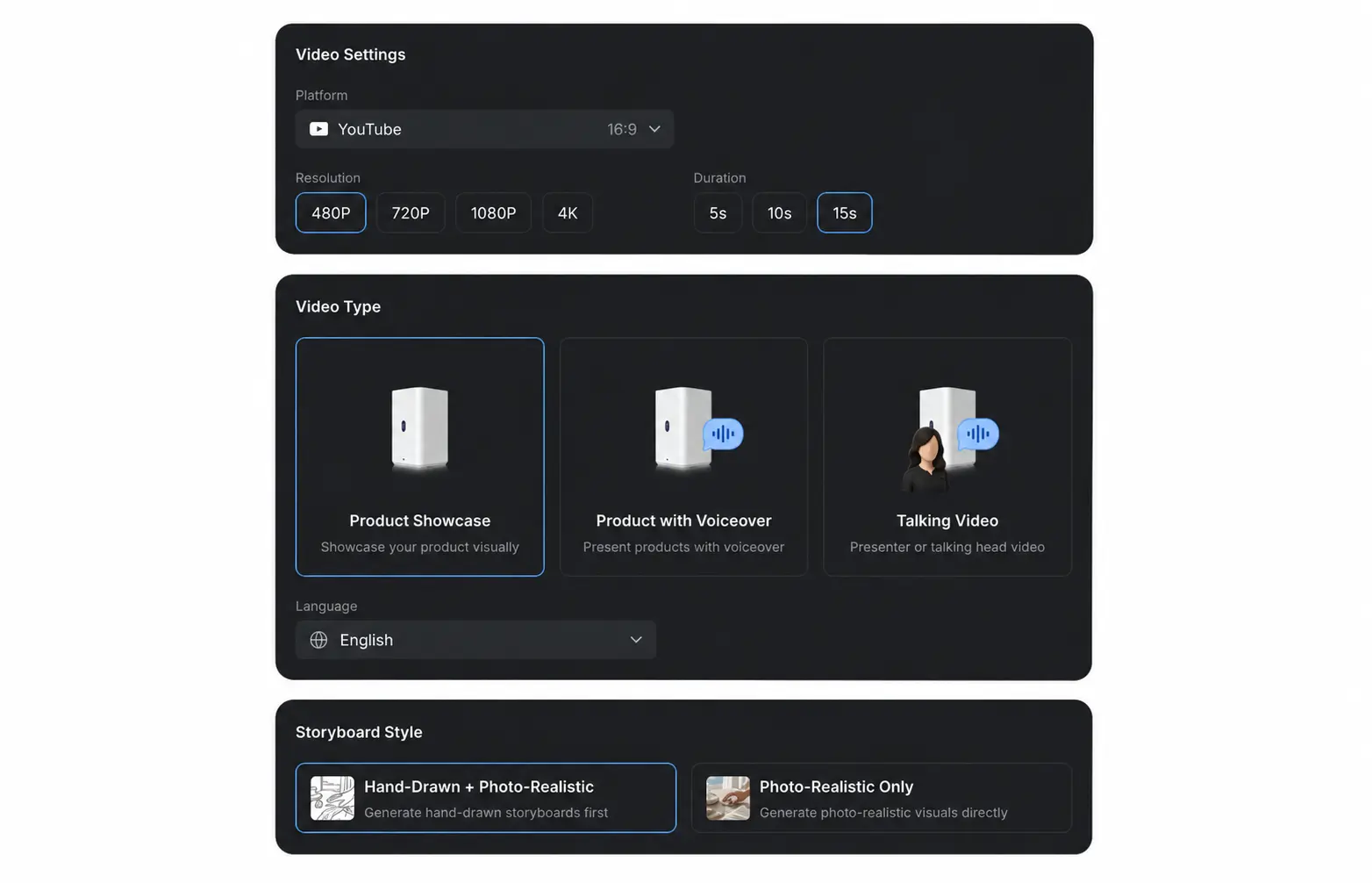
Choose how the ad should be presented:
| Setting | Options | What It Controls |
|---|---|---|
| Platform | Destination platform and aspect ratio | Formats the video for where it will be published. |
| Resolution | 480P, 720P, 1080P, or 4K | Sets the output video quality. |
| Duration | 10s or 15s | Sets the target video length. |
| Video Type | Product Showcase, Product with Voiceover, or Talking Video | Controls whether the ad uses a visual showcase, narration, or a presenter. |
| Language | English, Simplified Chinese, Traditional Chinese, Japanese, Korean, Spanish, French, German, or Portuguese (Brazil) | Sets the language for the generated idea and script. |
| Captions | Available for Product with Voiceover and Talking Video | Controls whether captions appear with spoken content. |
| Storyboard Style | Hand-Drawn + Photo-Realistic or Photo-Realistic Only | Chooses whether to review a hand-drawn storyboard before generating realistic visuals. |
Click [Continue] when the settings match the platform and campaign you are creating for.
4. Choose an Ad Idea
Choose one simple, direct concept that focuses on a single product benefit, fits the target audience, and can be shown clearly within the 10- or 15-second video. You can select a generated idea or write your own. See Choose an Ad Idea for guidance.
5. Review the Script and Generate a Storyboard
Before generating the video, check the Characters and Location assets, review the script, and decide whether to generate storyboard panels. A storyboard lets you inspect the planned shots, movement, lighting, and product presentation. For the full workflow, see Review the Script and Generate a Storyboard.
6. Generate the Video
- Confirm the final script and, if you generated one, the storyboard.
- Click [Generate Video].
- Wait for the video to generate, then preview the completed result on the [Video] step.
- Watch the full video and verify the visuals, captions, voiceover, product details, and promotional information before downloading or using it in a campaign.
7. Avoid Common Mistakes
Use these checks to create a clearer and more effective ad:
| Common Mistake | How to Improve It |
|---|---|
| Trying to include too much in a 10- or 15-second video | Focus on one simple idea, one main product benefit, and a clear message that can be understood within the selected duration. |
| Continuing with an incorrect product name or description | Correct the [Product Name] and [Description] first. These details guide the selling points, idea, script, storyboard, and generated video. |
| Using the wrong Primary Image | Check the automatically selected image. If it does not clearly represent the product, open [...] on the correct asset and select [Move to Primary Image]. |
| Selecting unclear, irrelevant, or duplicate assets | Choose accurate, high-quality images that show the product clearly and give the storyboard useful visual variety. |
| Including people or locations in product assets | Keep product assets focused on the product. Characters and locations are generated during the storyboard step, so including people or settings in product images can affect the final result and reduce character or location consistency. |
| Accepting unsuitable selling points | Remove inaccurate or unimportant points and add the specific benefits that the ad should communicate. |
| Choosing an idea that is too complicated | Use one direct concept with a clear visual hook. Make sure every part of the idea can be represented in no more than 15 seconds. |
| Adding too much content to the script or one storyboard shot | Keep each script line concise. If you generate a storyboard, remember that a shot may last only a few seconds or even one second, so each planned action must fit its assigned shot. |
| Skipping the script review | Check claims, prices, promotions, names, and pronunciations before deciding whether to generate a storyboard or continue to the video. For voiceover or Talking Video ads, read every spoken line carefully. |
| Generating a storyboard without reviewing it | If you choose to generate a storyboard, check the shot sequence, movement, lighting, composition, and product presentation before generating the video. |
| Using the wrong format for the destination platform | Confirm the platform, aspect ratio, resolution, language, captions, and video type before continuing. |
| Publishing without watching the completed video | Preview the full result and verify the visuals, timing, captions, spoken content, product details, and promotional information before using it in a campaign. |