CawCut Skill for Agents

Connect CawCut to Claude, Cursor, Codex, and other AI agents to generate images and videos directly from chat. Speed up your creative process with powerful skills.

Claude CodeClaude Code
CodexCodex
CursorCursor
...
Get Started
CawCut agent workflow preview

Get Started in Seconds

Install CawCut skill and connect it to your preferred AI agent in minutes.

STEP 1

Add the skills

One command pulls all skills into your agent.

npm install -g @ubnt/cawcut --foreground-scripts --allow-scripts=@ubnt/cawcut
STEP 2

Sign in

Run the command below to log in and authenticate.

cawcut auth login
STEP 3

Invoke from chat

Works with Claude Code, Cursor, Codex, and 12+ other agents.

/cawcut-app-run

Creative Skills, Right in Your Agent

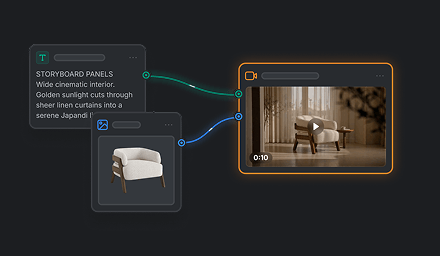
Build storyboards, generate media, create editable VN projects, and run shared apps—all without leaving your AI workflow.

App

App

Use created apps or apps shared with you directly from your agent.

cawcut-app
Media Generation

Media Generation

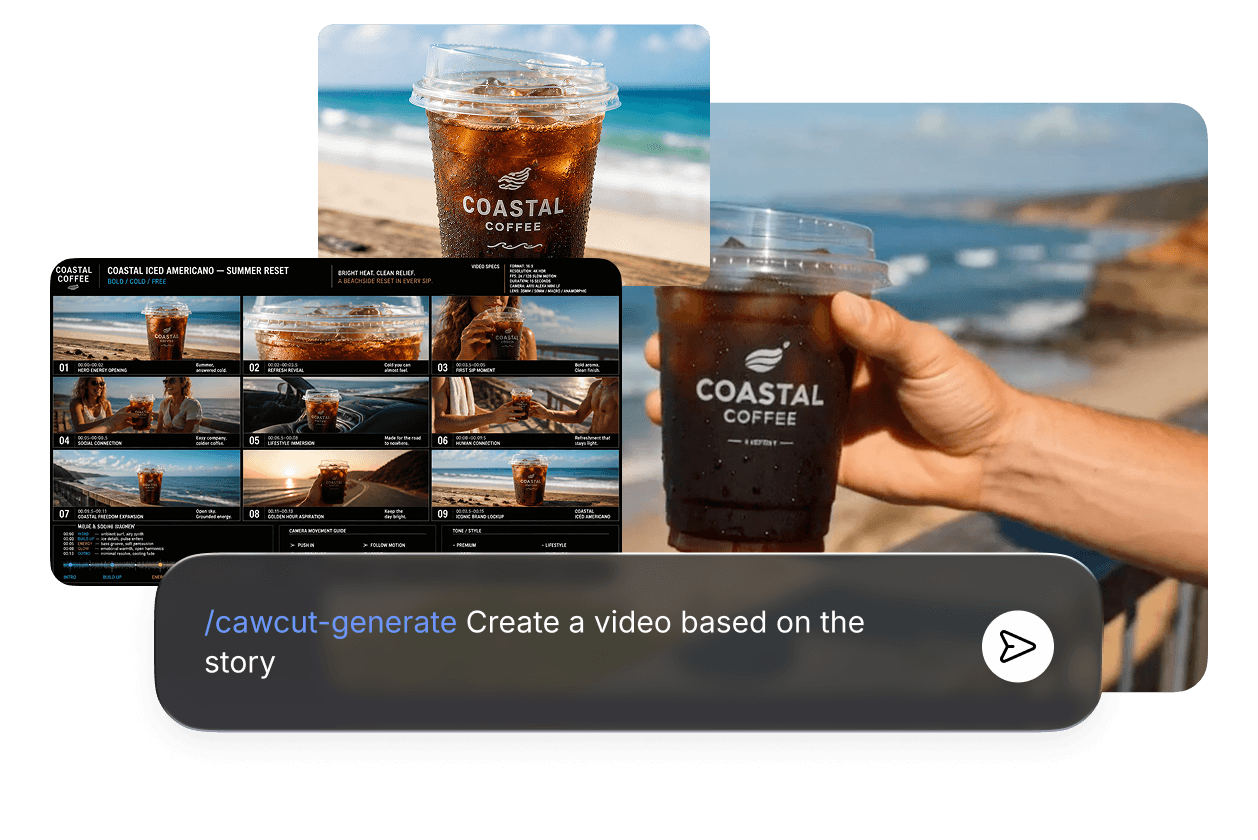
Generate high-quality images and videos from prompts, references, or existing assets.

cawcut-generate
Create VN Project

Create VN Project

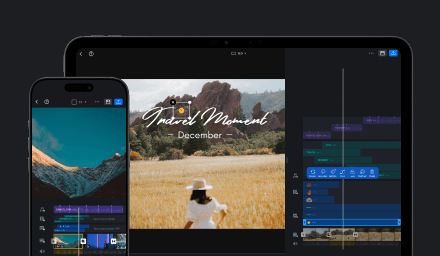
Automatically edit videos into fully editable VN projects.

cawcut-vn

Frequently AskedQuestions

Discover what CawCut Agent Skill can create and automate, including generation, app workflows, and handoff.

CawCut Skill connects CawCut's AI generation capabilities directly into AI coding assistants like Claude Code, Cursor, and Codex, allowing you to create images, videos, and run AI workflows using natural language.

cawcut-generate performs one-step AI generation using official models, while cawcut-app-run executes published CawCut apps and templates that automate complete multi-step workflows.

No. Simply install the CawCut CLI and complete a one-time OAuth login. Your credentials are securely stored locally, so you don't need to manage API keys.

You can create text-to-image, text-to-video, image-to-image, image-to-video, and multimodal videos that combine images, videos, and audio.

You can use media already shared in the conversation, provide an HTTPS URL, or reference a local file. CawCut automatically uploads local files when needed.

When you request content, CawCut first checks whether an existing app or template can accomplish the task. If no suitable app is found, it automatically falls back to direct AI generation.

CawCut returns downloadable result URLs, automatically saves the output to your local Downloads folder, reports credits used and your remaining balance, and can hand the result off to VN for further editing.

CawCut Skill works with Claude Code, Cursor, Codex, and other AI tools that support Agent Skills. You can invoke it using slash commands or simply describe what you want in natural language.