
The idea defines the ad’s main message and how the product will be presented. Because an Ad Video is no longer than 15 seconds, choose only one idea and keep it simple and direct. A focused concept is easier to communicate clearly within the available time than several competing messages.
Before continuing, make sure the idea:
- Focuses on one message: Prioritizes one product benefit instead of combining several ideas or trying to explain every feature.
- Fits the audience: Uses a scenario and message that connect with the target audience selected earlier.
- Has a clear visual hook: Gives the storyboard a specific action, comparison, demonstration, or setting to show.
- Ends with purpose: Supports an appropriate end card, product name, promotion, or call to action.
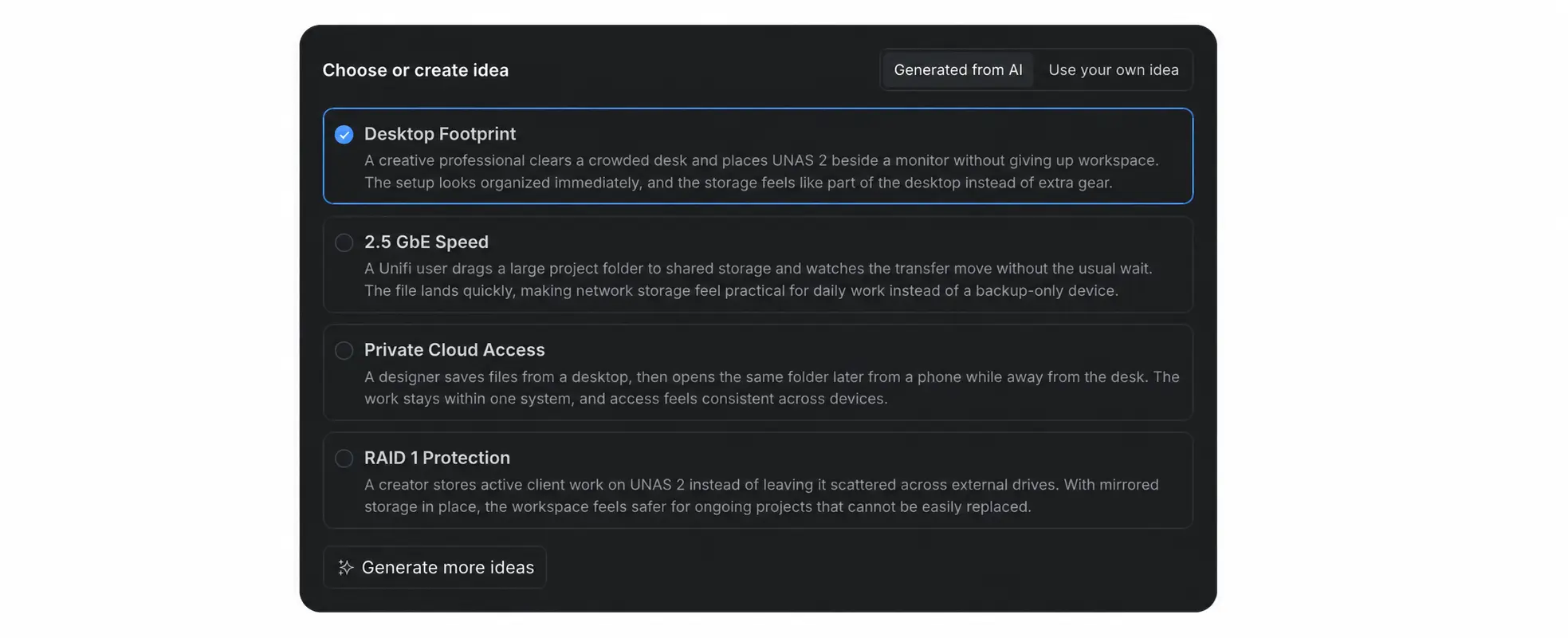
1. Choose a Generated Idea
- Keep [Generated from AI] selected and review each suggested concept. Each option includes a title and a short description of how the product could be presented.
- Select the idea with the clearest connection between the product benefit, audience, and visual scenario.
- Select [Generate more ideas] if the available options emphasize the wrong feature or do not fit the campaign.
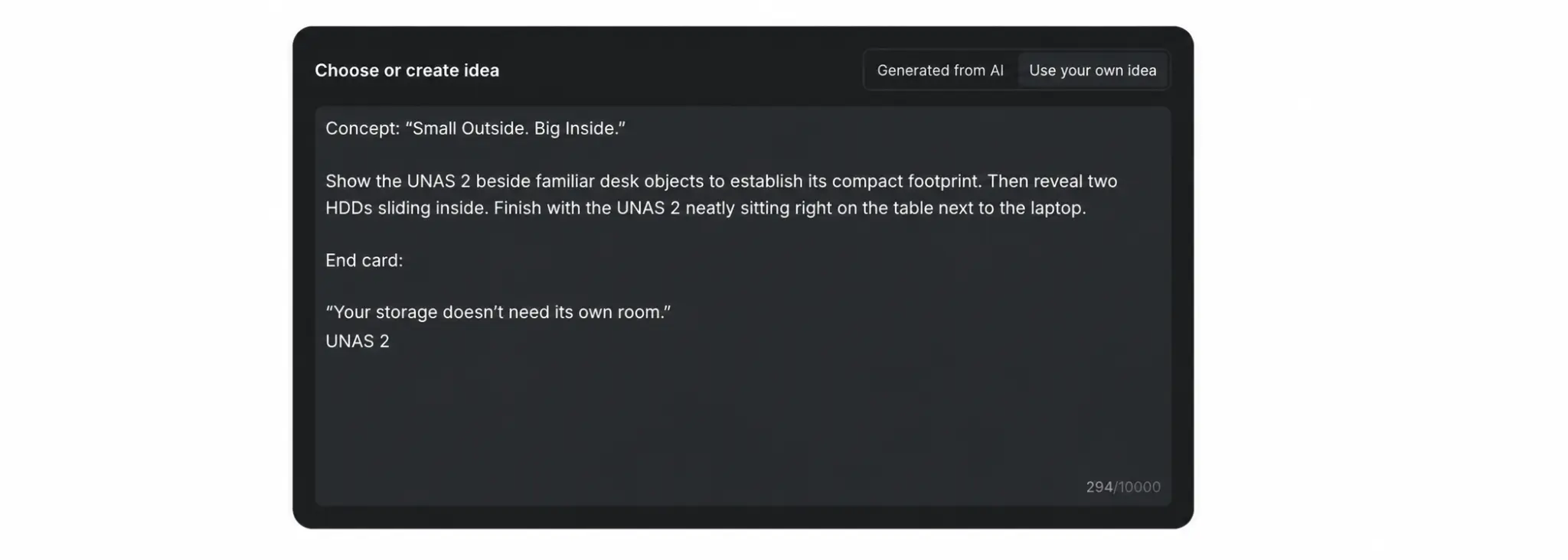
2. Write Your Own Idea
- Select [Use your own idea].
- Describe one straightforward concept, the main action or product demonstration, and the message that should appear on the end card.
- Make sure the complete idea can be represented clearly within a video of no more than 15 seconds, and verify product names, claims, prices, and promotion details.
After selecting or writing the idea you want to turn into a script, return to Create Ad Video and click [Continue].