
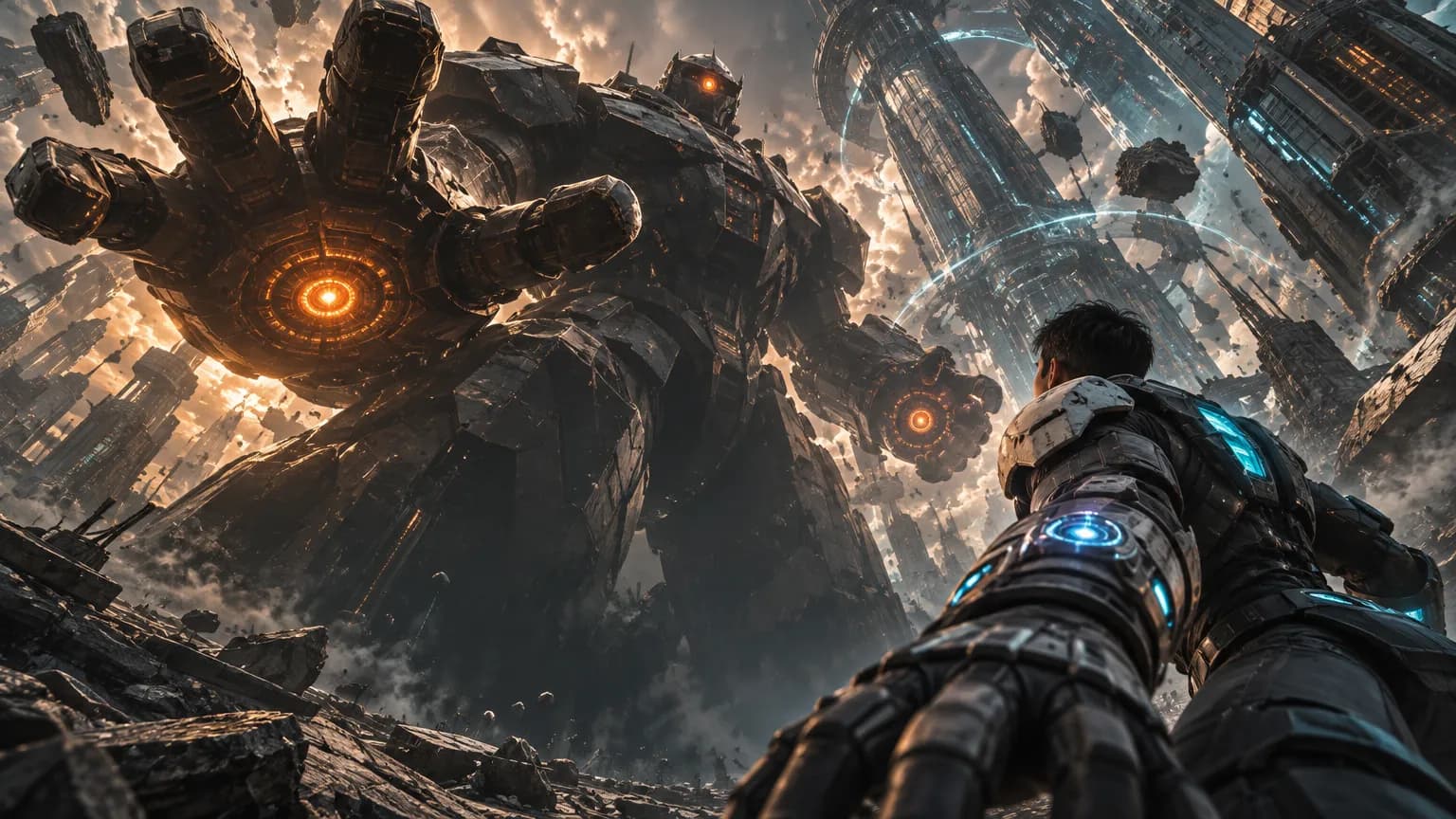
Turn your idea into a story video
Go from a single prompt to script, consistent cast, storyboard, and ready-to-edit video clips—all in one workspace.
Start CreatingSame characters. Same world. Every shot.
Lock your characters, scenes, and props once—so every generated clip stays visually true to your story.
 Character
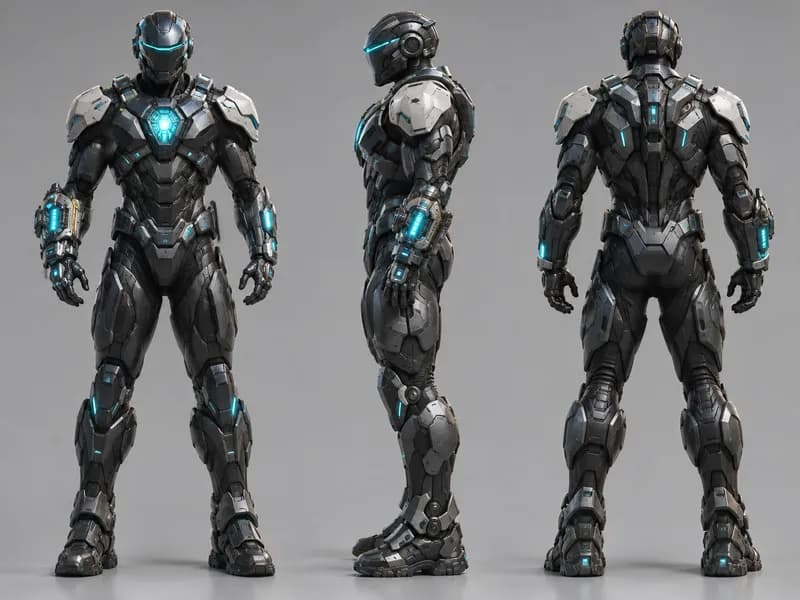 Turnaround
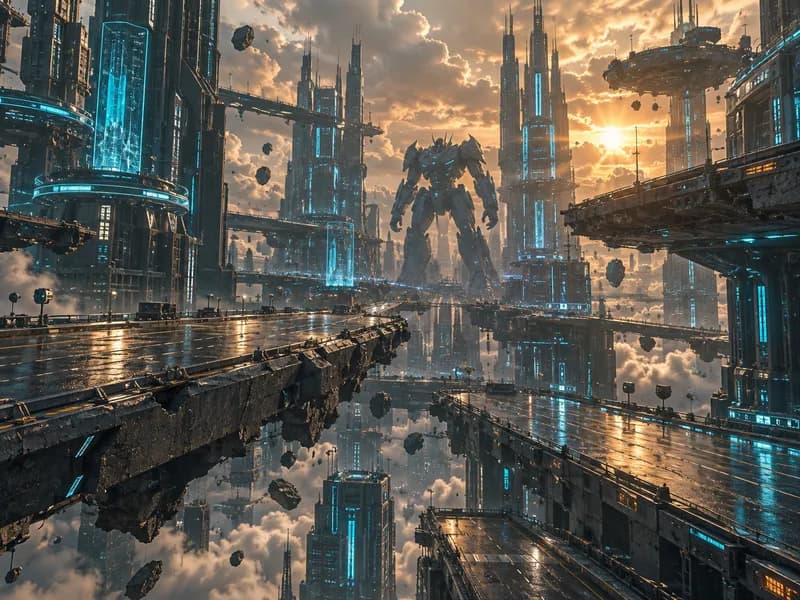 Location
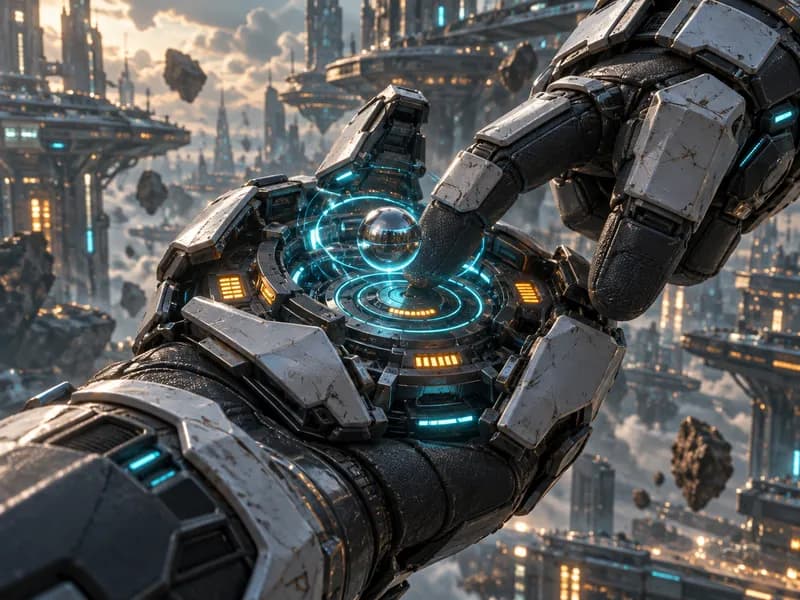 Object
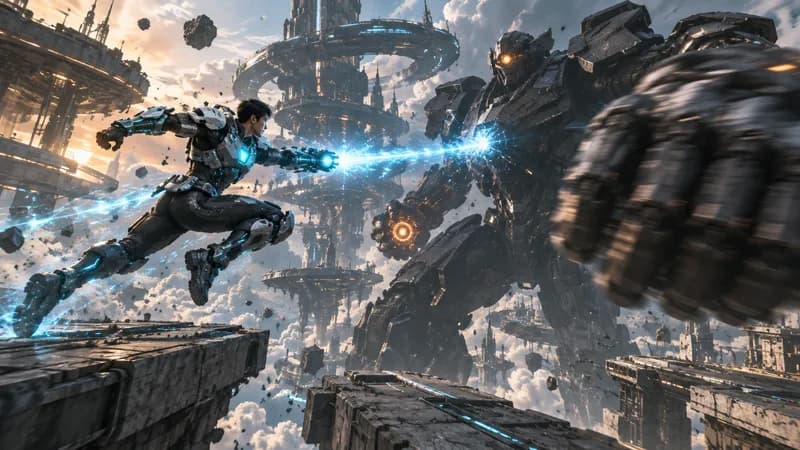 Clip
Five Steps. One Workspace.
Review each step, adjust what you like, and move on.
Describe your idea. Start with a sentence, and let the story take shape.
What story do you want to tell?
An armored hero faces a giant mech in a floating city. A hidden gravity module turns his apparent defeat into a calculated victory.
16:9 · Cinematic · English
Refine every scene, line and story beat before moving to production.
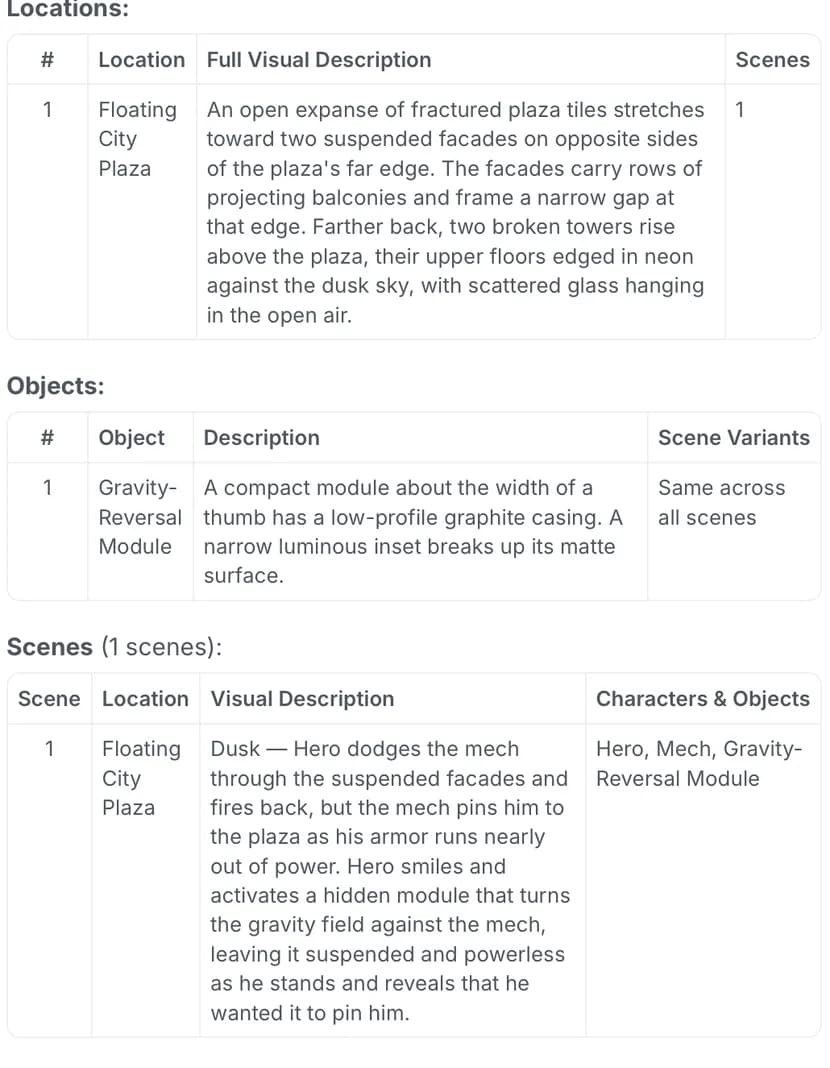
Refine every scene, line and story beat before moving to production.

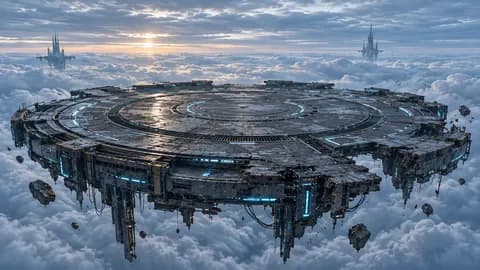
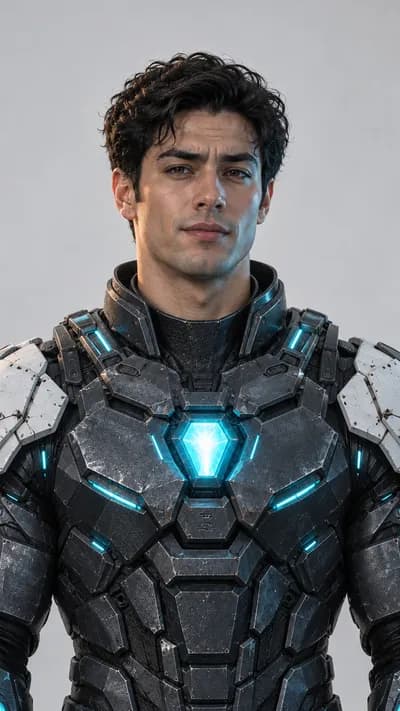
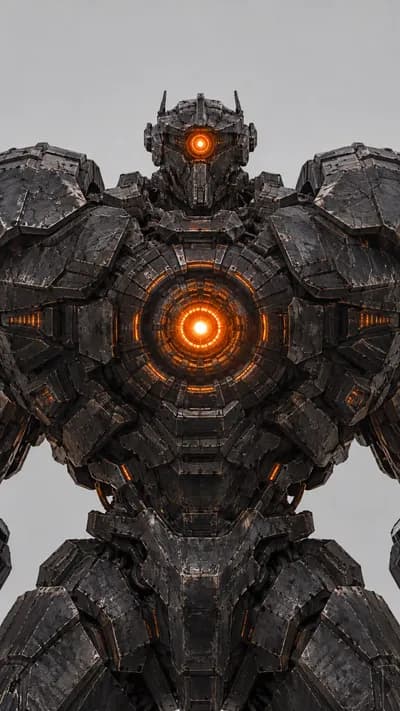
Review each shot, then regenerate or adjust the clips you want to change.
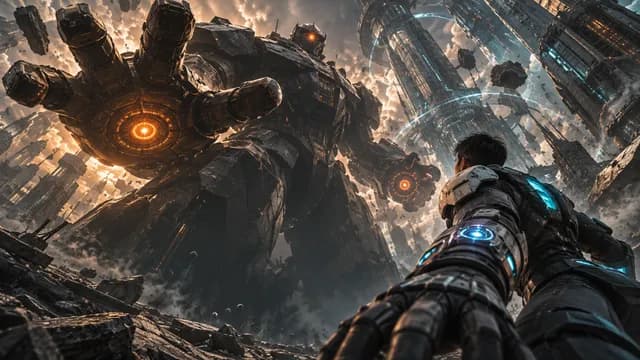



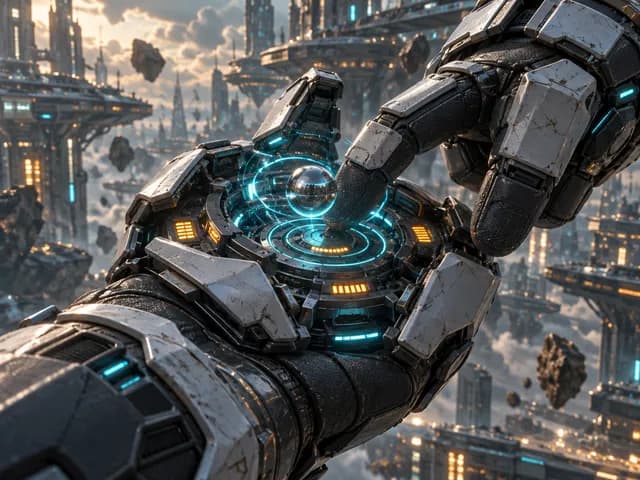
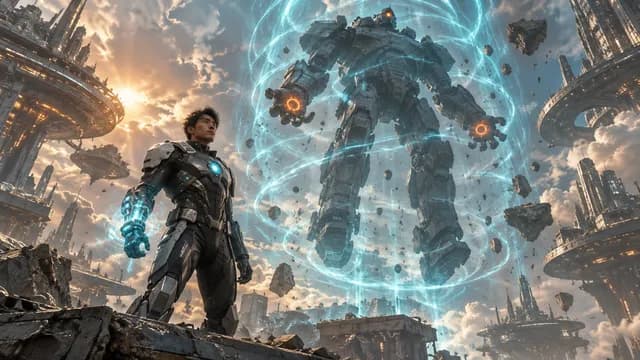
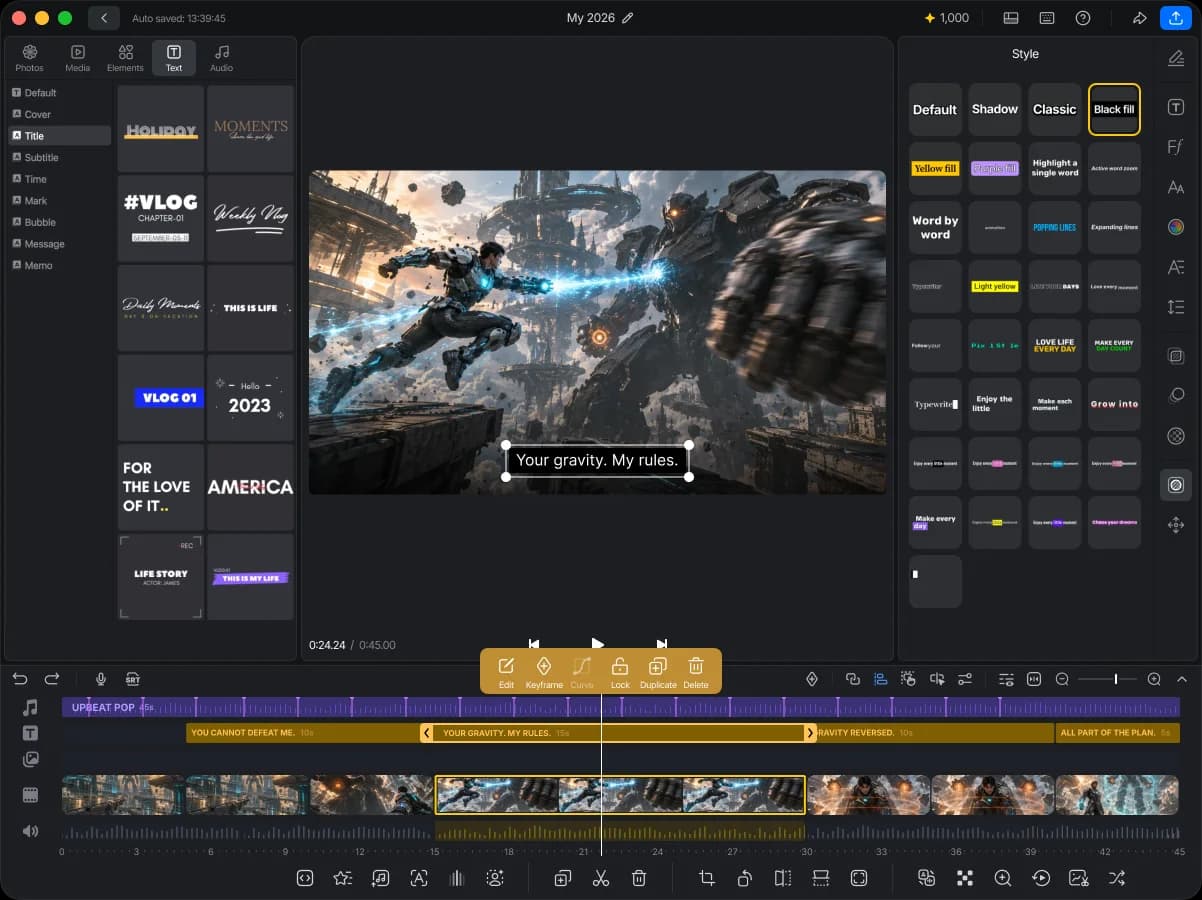
Bring your clips into VN to fine-tune the cut, sound and final details.
What story do you want to tell?
An armored hero faces a giant mech in a floating city. A hidden gravity module turns his apparent defeat into a calculated victory.
16:9 · Cinematic · English
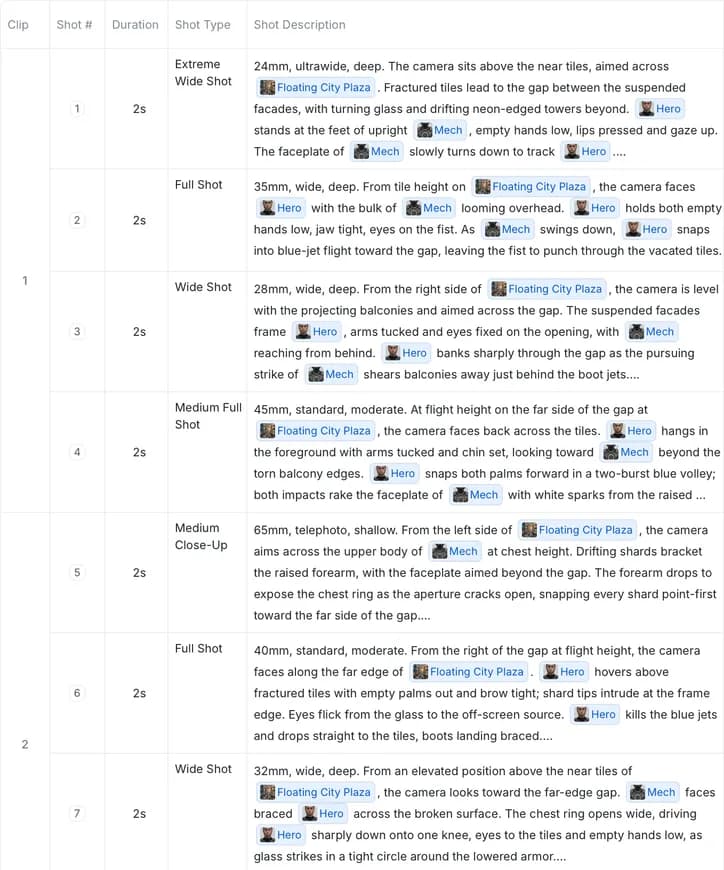
Review & Approve
Review First. Spend Later.
Before each step, CawCut Story shows what it will create and what it will cost in credits. Nothing runs until you confirm.

Confirm before you generate
Trim the list, discard what you don't need, and approve only what moves the story forward.

Edit anything, redo one shot
Change the script, a character or a clip prompt without touching the rest.
Frequently asked questions
Story is the CawCut workspace for making a short film from an idea. It writes the script, creates your characters and locations, boards each shot and generates the video clips, with you reviewing every step.
A sentence or a short scene is enough. You can also add reference images for actors, locations and objects, and choose the aspect ratio, resolution and style.
Yes. You can edit the screenplay, edit character images and rewrite the prompt behind any clip. You can also ask the agent in chat for changes.
Story creates reference images for each character, location and object first, and uses them when it generates clips.
Before each generation step, Story shows what it will create and the credit cost. Nothing runs until you confirm. See current credit packs on cawcut.com.
Yes. Regenerate any single clip without touching the rest. New versions are kept so you can compare and choose.
Your next story video starts with one sentence.
Bring your script, character, and shots together in minutes.
Start Your Story