
The Product node imports product information and media from a product URL. You can connect its outputs to other nodes to create product descriptions, marketing images, commercial videos, and other product-based content.
1. Add the Product Node
Open the add node menu and select [Product] to add the Product node to the canvas. You can open the menu from the canvas toolbar or by right-clicking an empty area of the canvas.
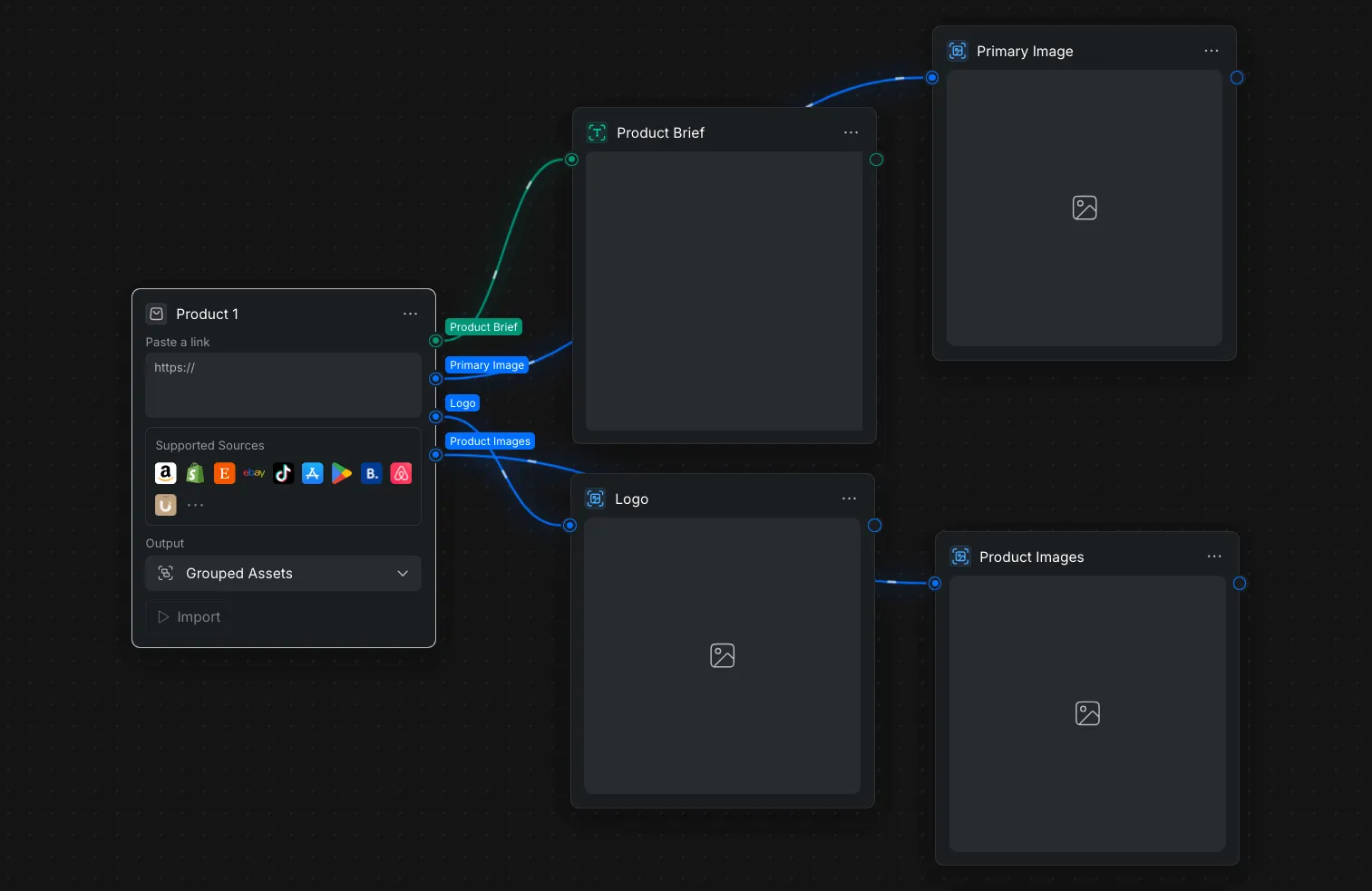
The node supports product pages from sources shown in the [Supported Sources] section, including Amazon, Shopify, Etsy, eBay, TikTok, the App Store, Google Play, Booking.com, and Airbnb.
2. Import Product Content from a URL
Use a public, active product page so the node can access and extract the available product information.
2.1 Paste a Product URL
Copy the product page URL and paste it into the [Paste a link] field.
2.2 Choose the Output Format
Open [Output] and select how the imported content should be organized:
- [Grouped Assets]: Combine the extracted results into one output.
- [Single Assets]: Select one of the extracted results as the output.
2.3 Import the Product
Click [Import]. The node loads the product page and extracts the available brief, primary image, logo, and additional product images.
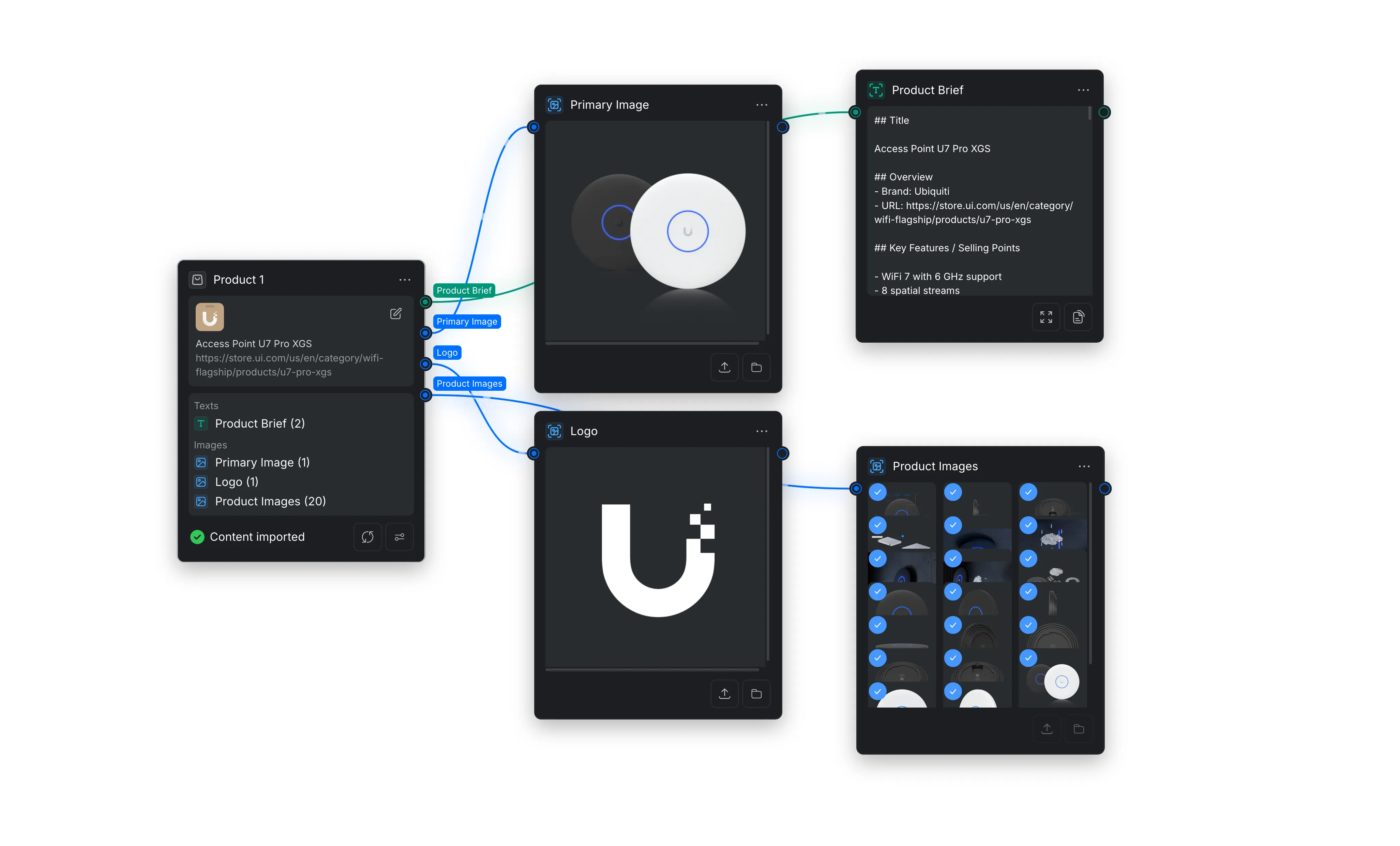
When the import is complete, the node displays [Content imported] and lists the number of extracted text and image assets. You can reimport the URL or adjust the node settings using the controls at the bottom of the node.
3. Use the Product Outputs
Connect an output port to a compatible downstream node. Each port provides a different type of product content.
3.1 Product Brief
Outputs text extracted from the product page, such as the product title, brand, overview, URL, key features, and selling points. Connect it to a text or generation node when you need product details in a prompt or script.
3.2 Primary Image
Outputs the main product image identified on the page. Use it as a visual reference or input for image and video generation.
3.3 Logo
Outputs the brand or seller logo when one can be identified on the page. Use it in product graphics, advertisements, or other branded content.
3.4 Product Images
Outputs a collection of additional images found on the product page. Connect it to a node that accepts multiple images to use the product from different angles or include additional product details.