
होम
जब आप app.cawcut.com खोलते हैं, तो CawCut डिफ़ॉल्ट रूप से [Projects] पेज दिखाता है। होम इंटरफ़ेस आपके प्रोजेक्ट, जनरेट किए गए परिणाम, अपलोड किए गए एसेट और पसंदीदा आइटम एक जगह रखता है, ताकि आप मौजूदा काम तुरंत ढूँढ सकें या कुछ नया शुरू कर सकें।
CawCut के मुख्य क्षेत्रों के बीच जाने के लिए बाएँ साइडबार का उपयोग करें। प्रोजेक्ट शुरू करने या उपलब्ध किसी अन्य निर्माण विकल्प को चुनने के लिए ऊपर [Create New] पर क्लिक करें।
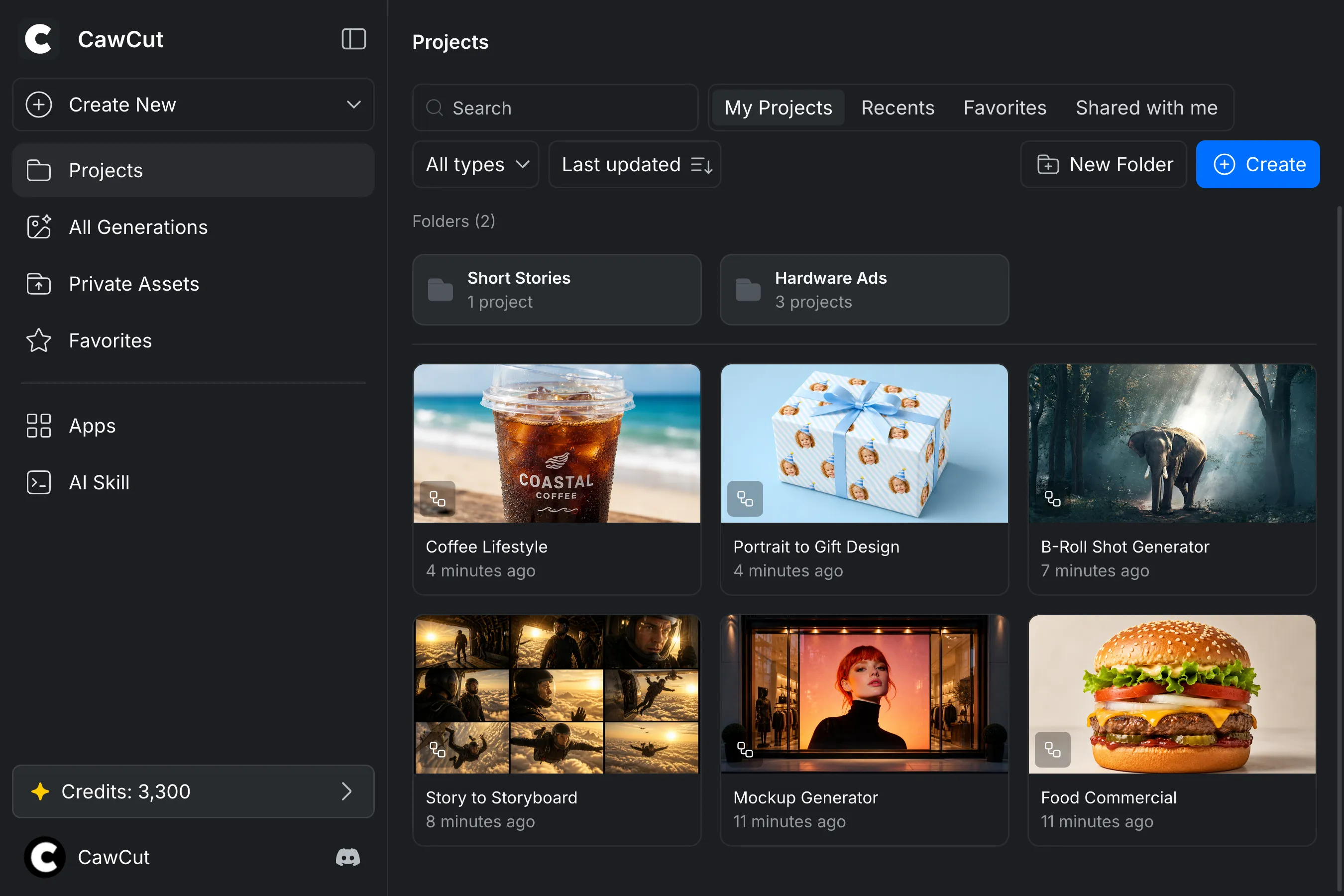
होम नेविगेशन
| साइडबार आइटम | आपको क्या मिलेगा |
|---|---|
| [Projects] | आपके फ़ोल्डर और प्रोजेक्ट।[My Projects] , [Recents] , [Favorites] और [Shared with Me] के बीच स्विच करें, फिर दिखाए गए आइटम खोजें, फ़िल्टर करें या क्रमबद्ध करें। |
| [All Generations] | आपके सभी प्रोजेक्ट में जनरेट की गई इमेज और वीडियो। परिणामों को मीडिया प्रकार या पसंदीदा के अनुसार फ़िल्टर करें। |
| [Private Assets] | CawCut पर अपलोड की गई इमेज, वीडियो और अन्य फ़ाइलें। एसेट को प्रकार के अनुसार फ़िल्टर करें, पसंदीदा देखें या उन्हें फ़ोल्डर में व्यवस्थित करें। |
| [Favorites] | पसंदीदा के रूप में चिह्नित किए गए प्रोजेक्ट, जनरेशन और निजी एसेट। हर आइटम प्रकार के बीच स्विच करने के लिए ऊपर मौजूद टैब का उपयोग करें। |
| [Apps] | हाल ही में उपयोग किए गए Apps, आपके साथ साझा किए गए Apps और आपके बनाए Apps।[Recents] , [Shared with Me] और [My Apps] के बीच स्विच करें। अधिक जानकारी के लिए CawCut Apps देखें। |
| [AI Skill] | CawCut Skills और संबंधित संसाधन। विवरण के लिए CawCut Skills देखें। |
किसी प्रोजेक्ट, जनरेशन या निजी एसेट को पसंदीदा बनाने के लिए उसके कार्ड पर कर्सर ले जाएँ और ऊपरी-दाएँ कोने में स्टार पर क्लिक करें। आइटम को [Favorites] से हटाने के लिए स्टार को दोबारा चुनें।
क्रेडिट और अकाउंट
आपके बचे हुए क्रेडिट साइडबार के नीचे दिखाई देते हैं।[Plan & Billing] खोलने के लिए क्रेडिट बैलेंस पर क्लिक करें, जहाँ आप उपयोग देख सकते हैं, अतिरिक्त क्रेडिट खरीद सकते हैं या सदस्यता प्लान की तुलना कर सकते हैं। अधिक जानकारी के लिए क्रेडिट देखें।
इंटरफ़ेस थीम बदलने, [Settings] खोलने या साइन आउट करने के लिए नीचे-बाएँ कोने में CawCut अकाउंट बटन पर क्लिक करें।[Settings] में आप अपनी प्रोफ़ाइल, पासवर्ड और भाषा प्रबंधित कर सकते हैं या Settings साइडबार से [Plan & Billing] खोल सकते हैं।
कैनवास
कैनवास वह जगह है जहाँ आप CawCut वर्कफ़्लो के नोड बनाते, कनेक्ट करते और चलाते हैं। कैनवास के आसपास के कंट्रोल नोड जोड़ने, वर्कस्पेस में जाने, वर्कफ़्लो प्रबंधित करने और साझा करने व प्रकाशित करने के विकल्प खोलने में मदद करते हैं।
वर्कफ़्लो शुरू करें
वर्कफ़्लो बनाते समय CawCut डिफ़ॉल्ट रूप से [New Workflow] विंडो खोलता है। तैयार वर्कफ़्लो से शुरू करने के लिए उपलब्ध टेम्पलेट चुनें या स्वयं बनाने के लिए [New Blank File] चुनें। चरण-दर-चरण निर्देशों के लिए टेम्पलेट से शुरू करें या वर्कफ़्लो बनाएँ देखें।
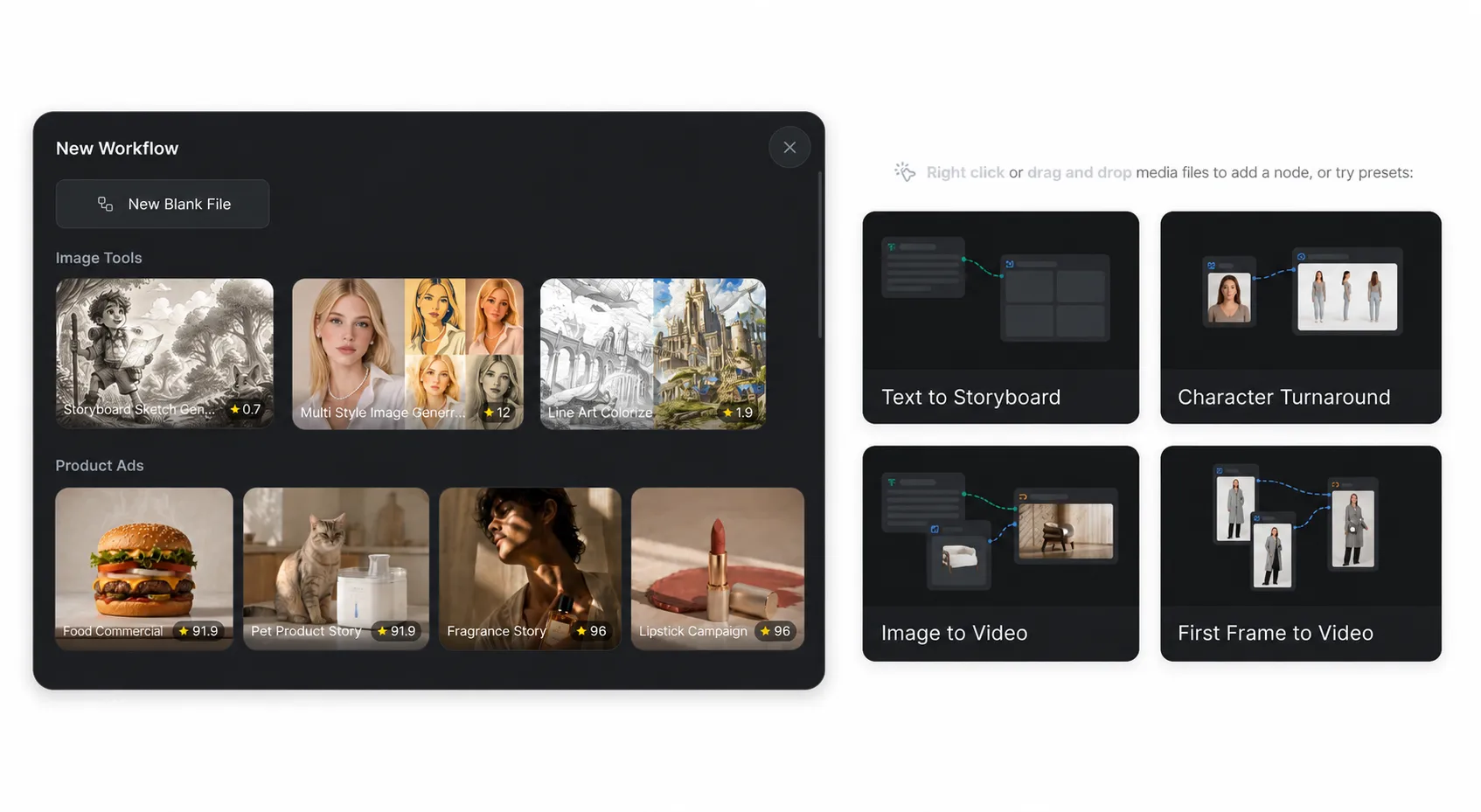
एक खाली वर्कफ़्लो में नेविगेशन का संक्षिप्त संकेत और चार क्विक-स्टार्ट विकल्प दिखाई देते हैं: [Text to Storyboard] , [Character Turnaround] , [Image to Video] और [First Frame to Video] । उसके शुरुआती नोड जोड़ने के लिए कोई विकल्प चुनें या मीडिया फ़ाइल को कैनवास पर ड्रैग और ड्रॉप करें। आप [Add Node] मेनू खोलने के लिए कैनवास की किसी खाली जगह पर राइट-क्लिक भी कर सकते हैं।
कैनवास कंट्रोल
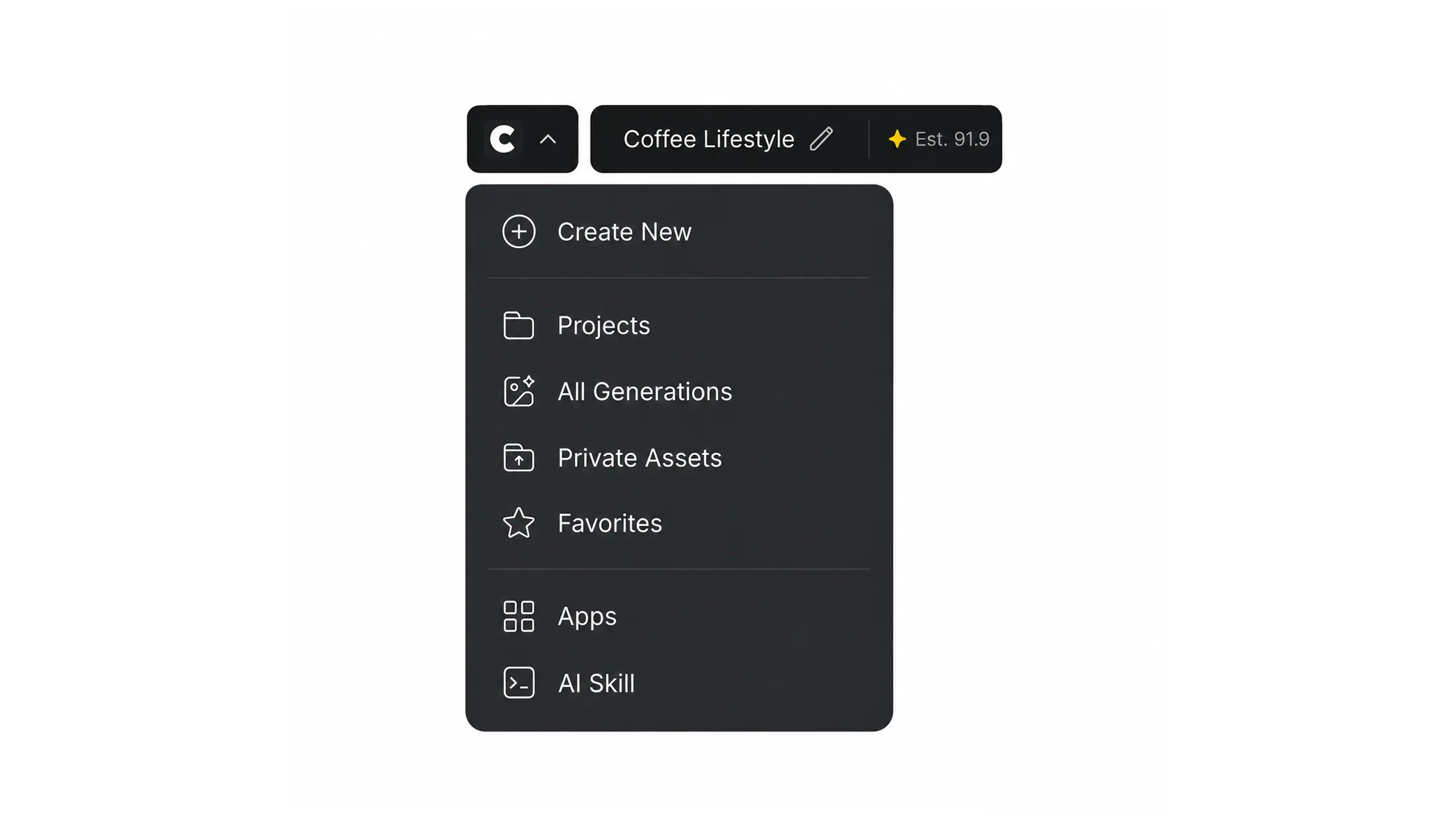
- ऊपरी बायाँ : अपने प्रोजेक्ट या किसी अन्य होम क्षेत्र पर वापस जाएँ, वर्कफ़्लो का नाम बदलें और उसकी अनुमानित क्रेडिट लागत देखें।
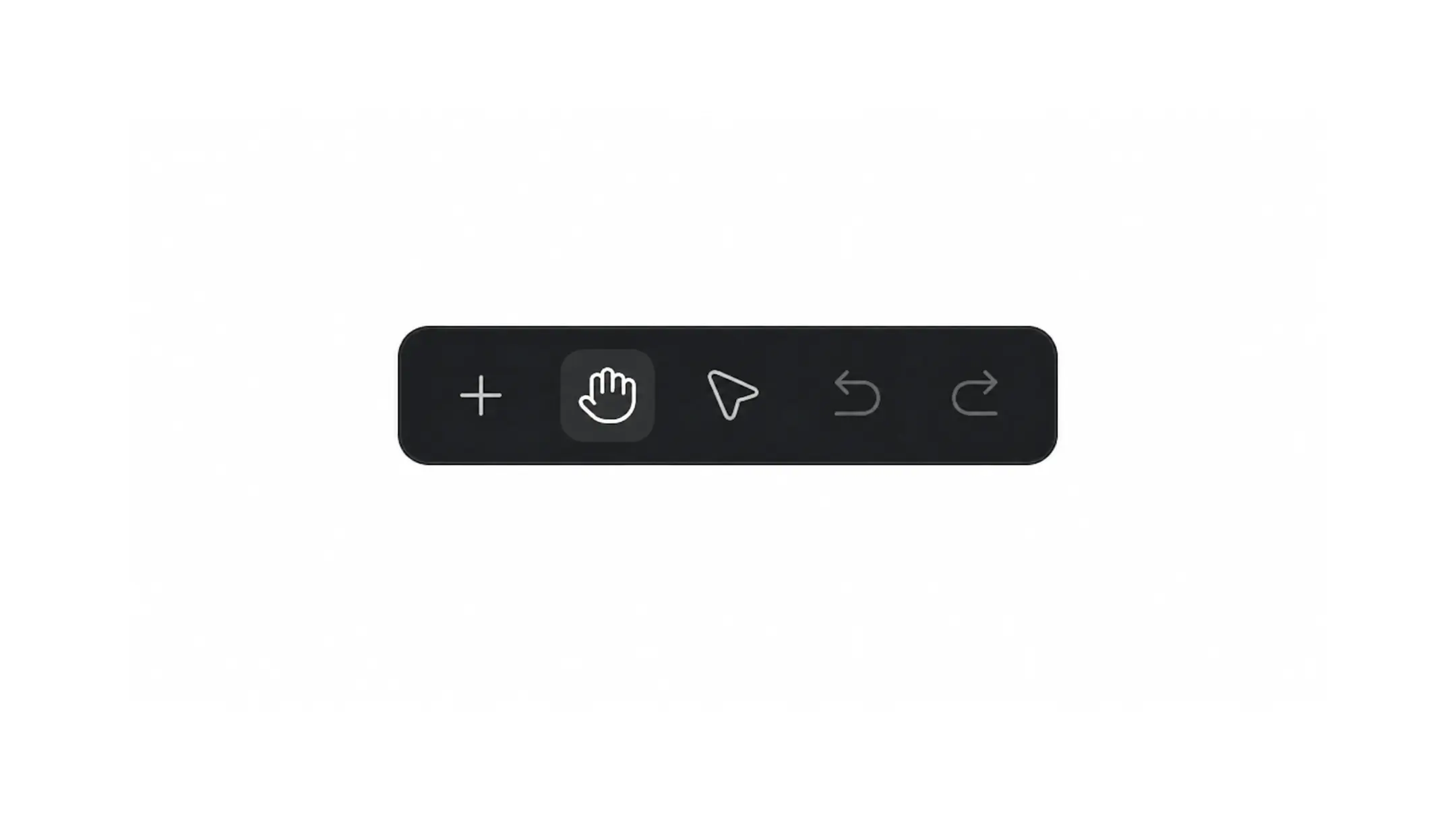
- ऊपरी मध्य : नोड जोड़ें, पैन और सिलेक्शन टूल के बीच स्विच करें और बदलावों को पूर्ववत करें या फिर से लागू करें।
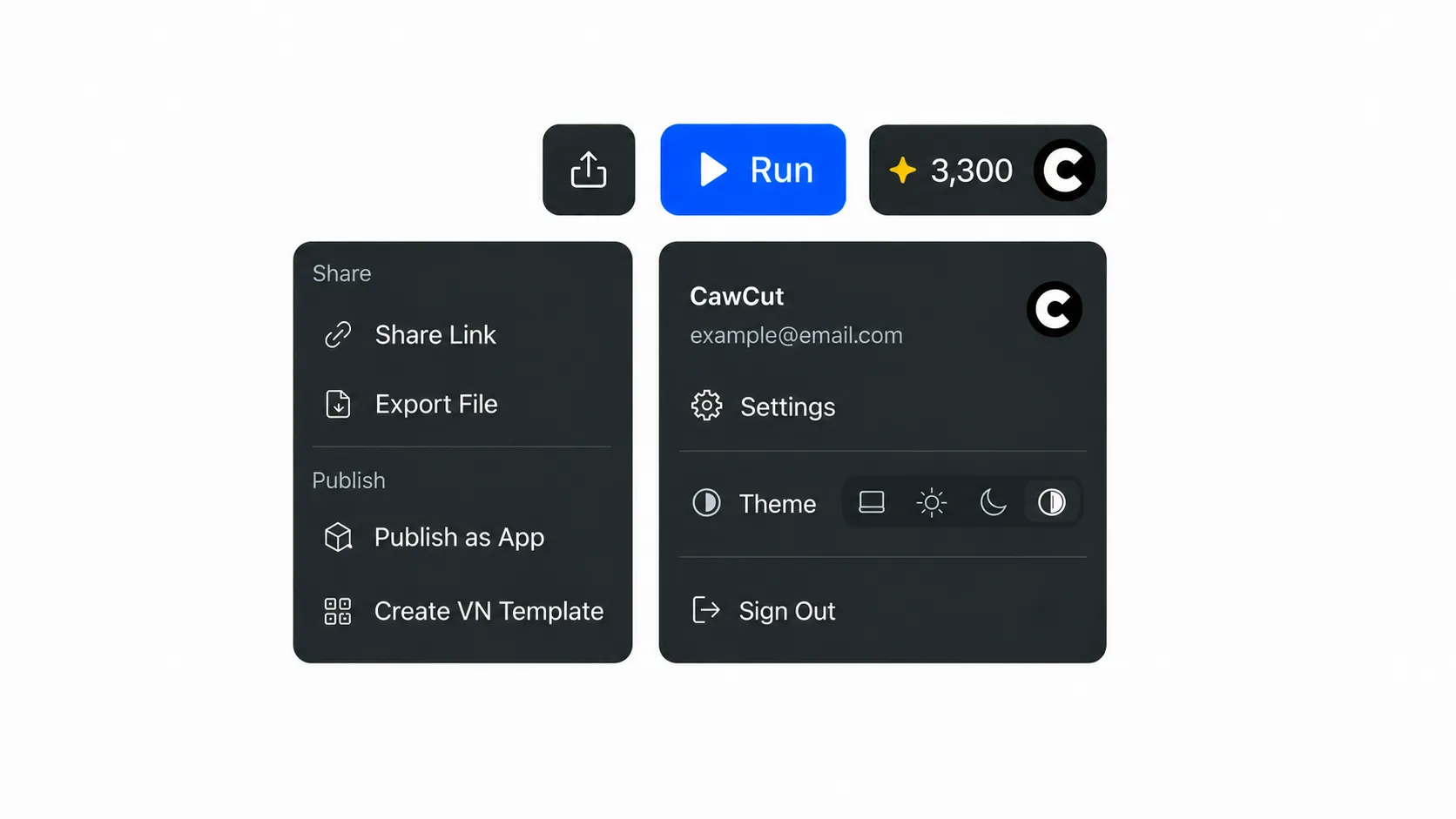
- ऊपरी दायाँ : वर्कफ़्लो को साझा या एक्सपोर्ट करें, उसे App के रूप में प्रकाशित करें, VN टेम्पलेट बनाएँ, वर्कफ़्लो चलाएँ और क्रेडिट या अकाउंट विकल्प खोलें।
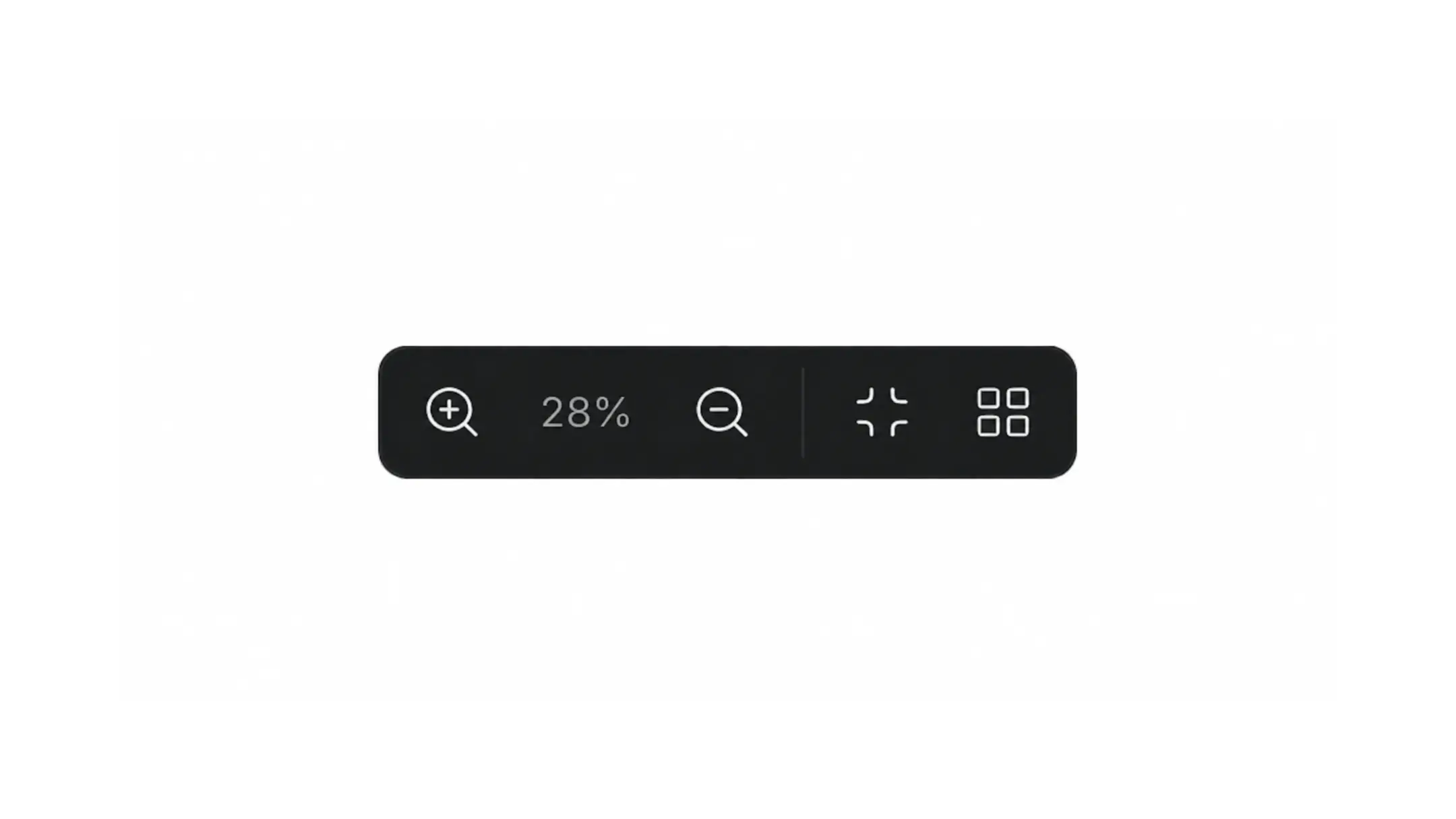
- निचला बायाँ : ज़ूम स्तर समायोजित करें, वर्कफ़्लो को वर्तमान दृश्य में फ़िट करें या नोड लेआउट को अपने आप व्यवस्थित करें।
नोड कॉन्फ़िगर और कनेक्ट करने के विस्तृत निर्देशों के लिए वर्कफ़्लो बनाएँ और नोड गाइड देखें। नेविगेशन और एडिटिंग कमांड की पूरी सूची के लिए कीबोर्ड शॉर्टकट देखें।