Use Image Nodes to add images to a CawCut workflow. Add a single image with an Image Node or keep several images together in an Image Group Node. You can connect either node to an Image Generation node or another compatible node.
1. Image Node
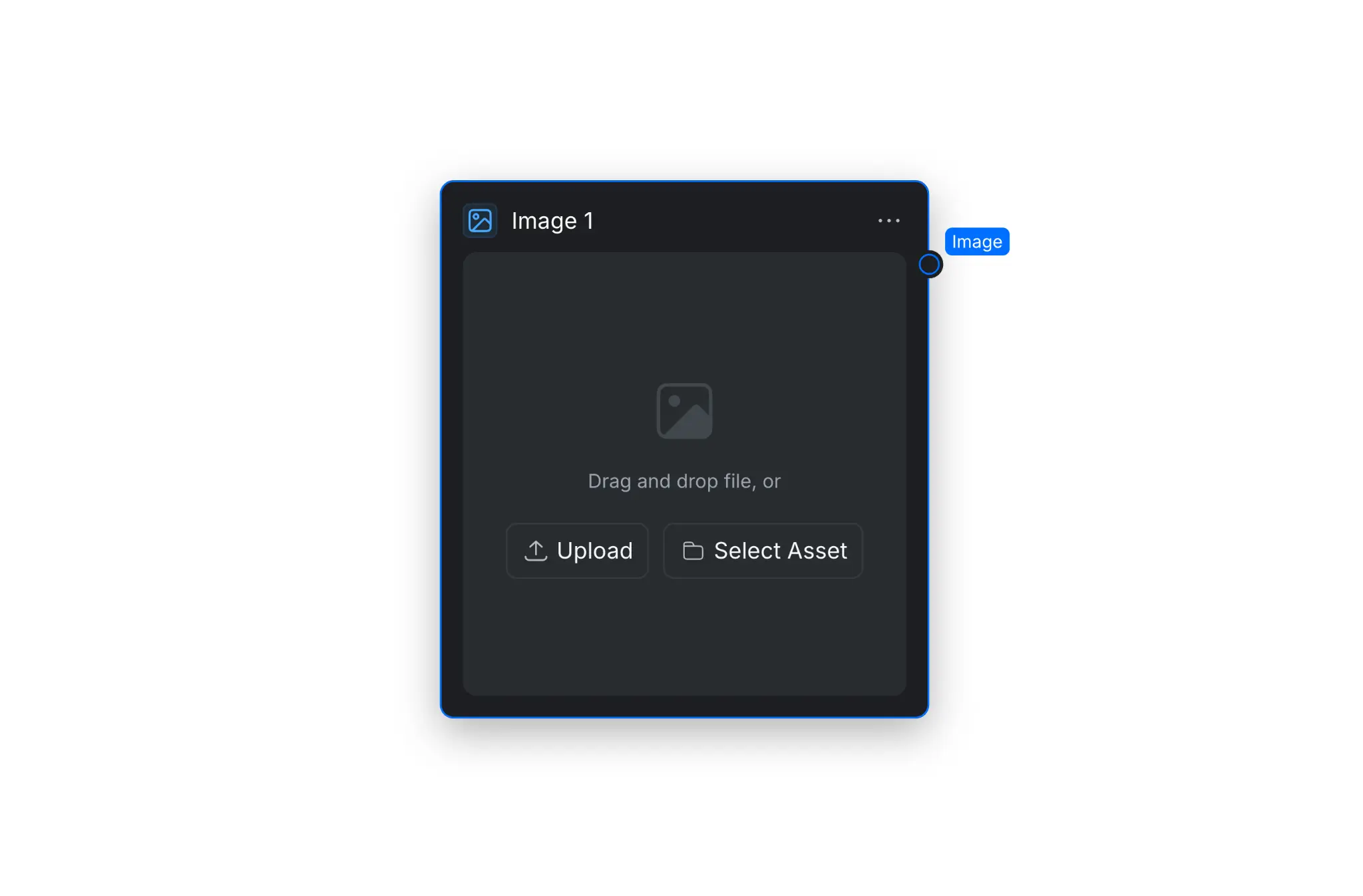
The Image Node adds one image to the workflow. Drag and drop an image into the node, select [Upload] to add one from your device, or select [Select Asset] to use an existing CawCut asset. Connect the Image output to another node to use the uploaded image as an input.
To add annotations or masks that more precisely guide downstream AI models, see Image Editing and Enhancement Nodes.
2. Image Group Node
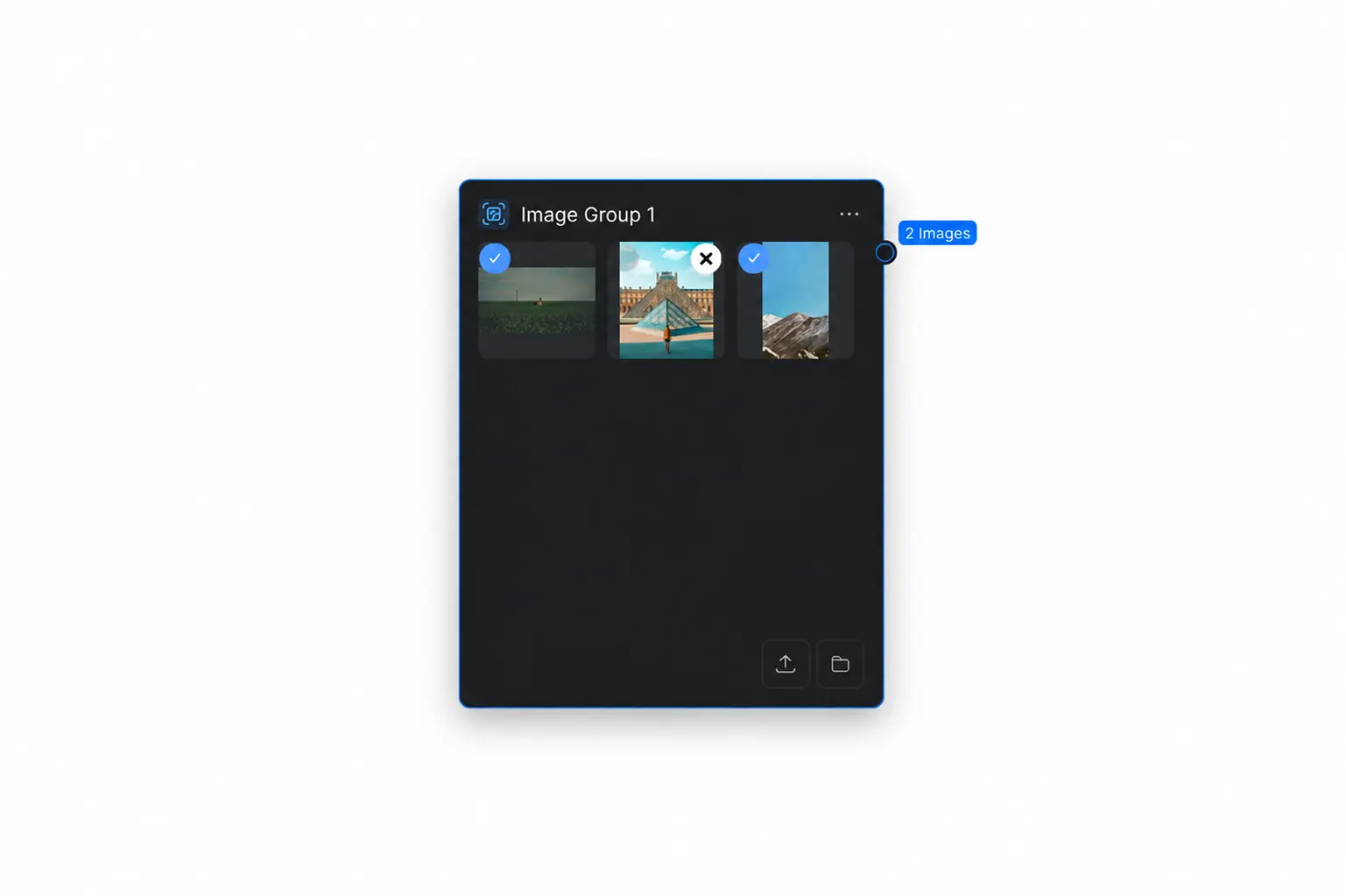
The Image Group Node keeps multiple images together so they can be passed through the workflow as one image group. Open the add node menu, select [Group], then select [Image Group] to add it to the canvas.
Upload images or select existing assets, then use the checkmark on each thumbnail to choose which images are included in the output. The output label shows the number of selected images.