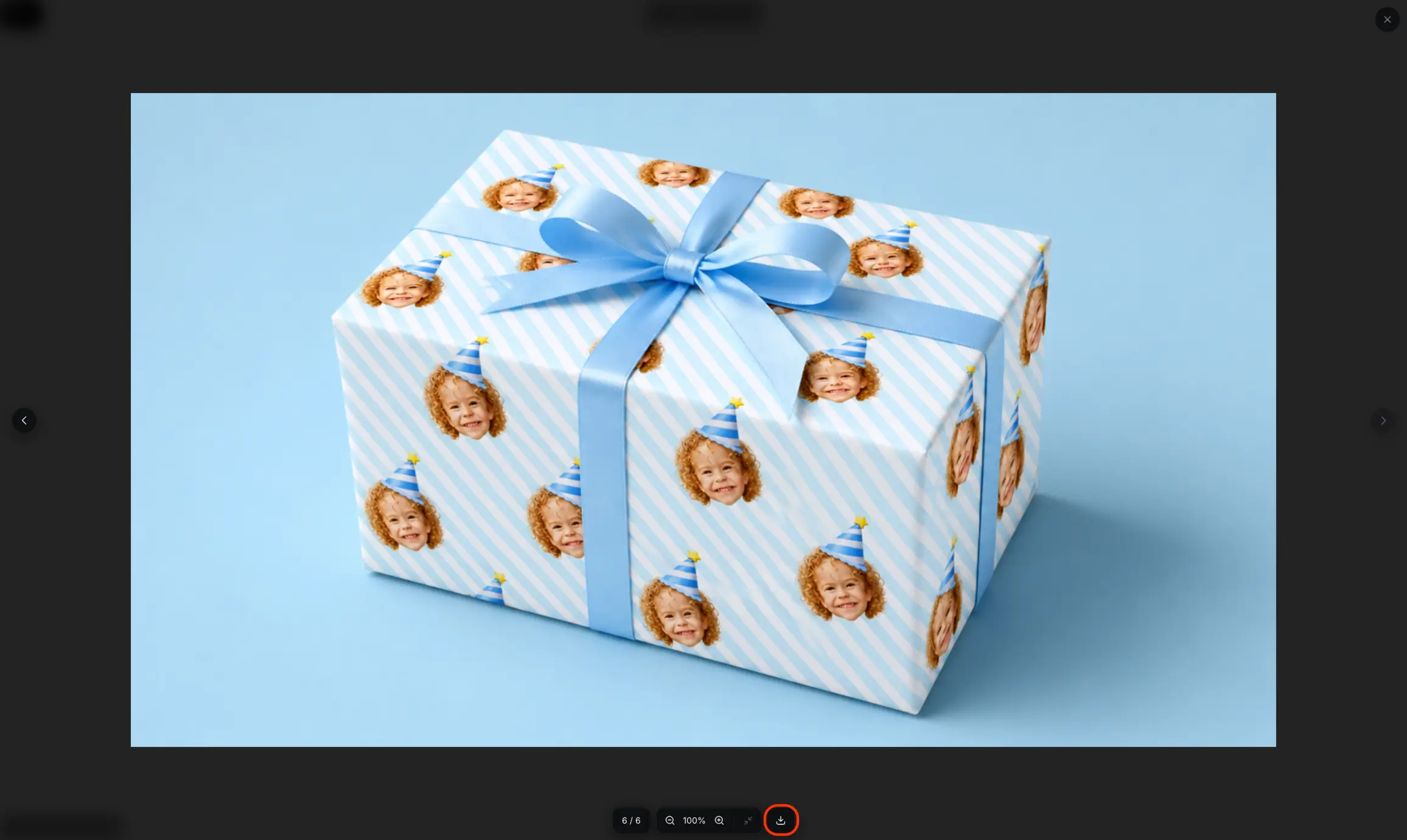
CawCut lets you download a generated result directly from its node, select from multiple generated versions, or open a larger preview before saving it.
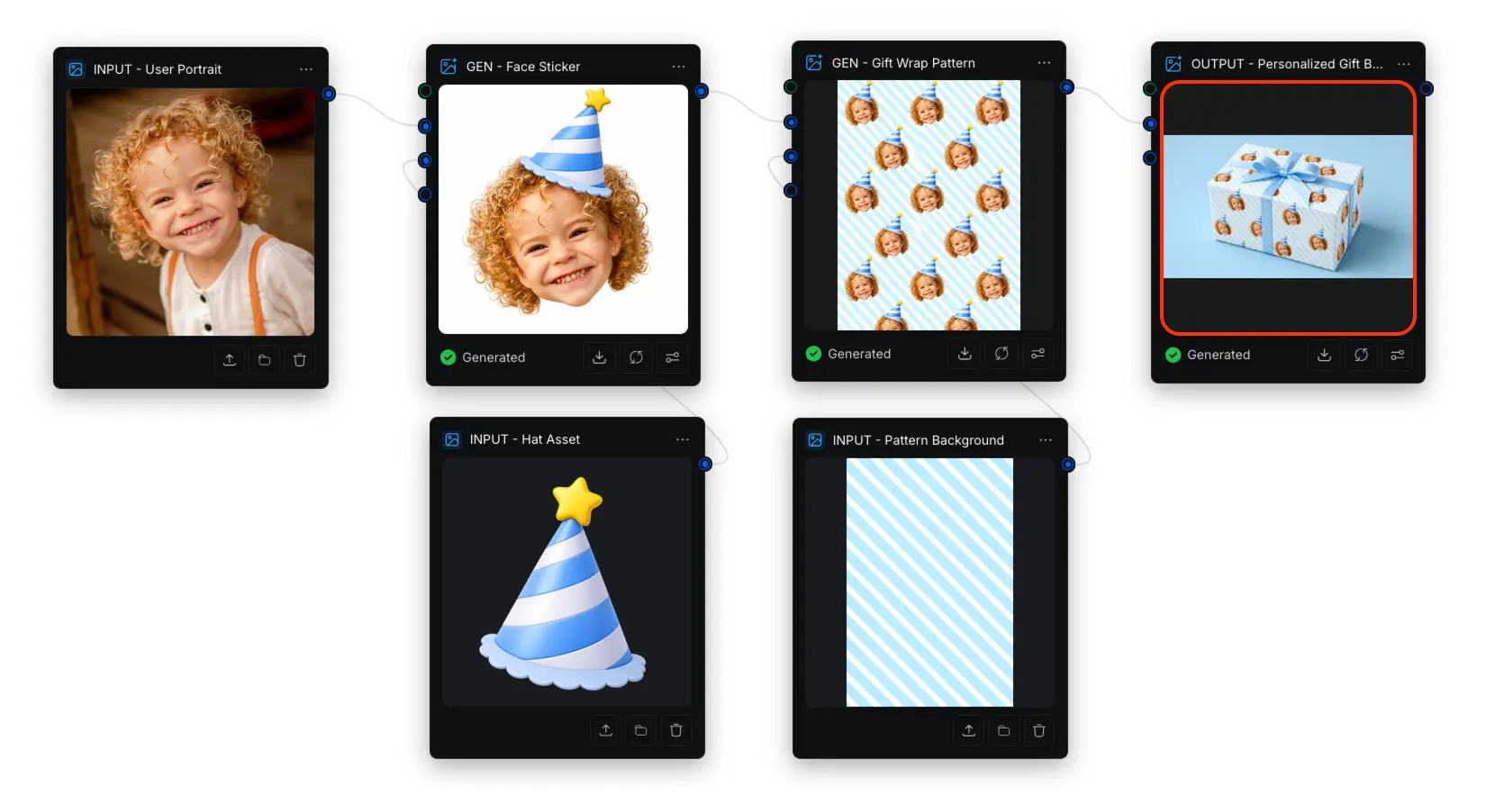
Download Directly from a Node
Use this option when you have already found the result you want:
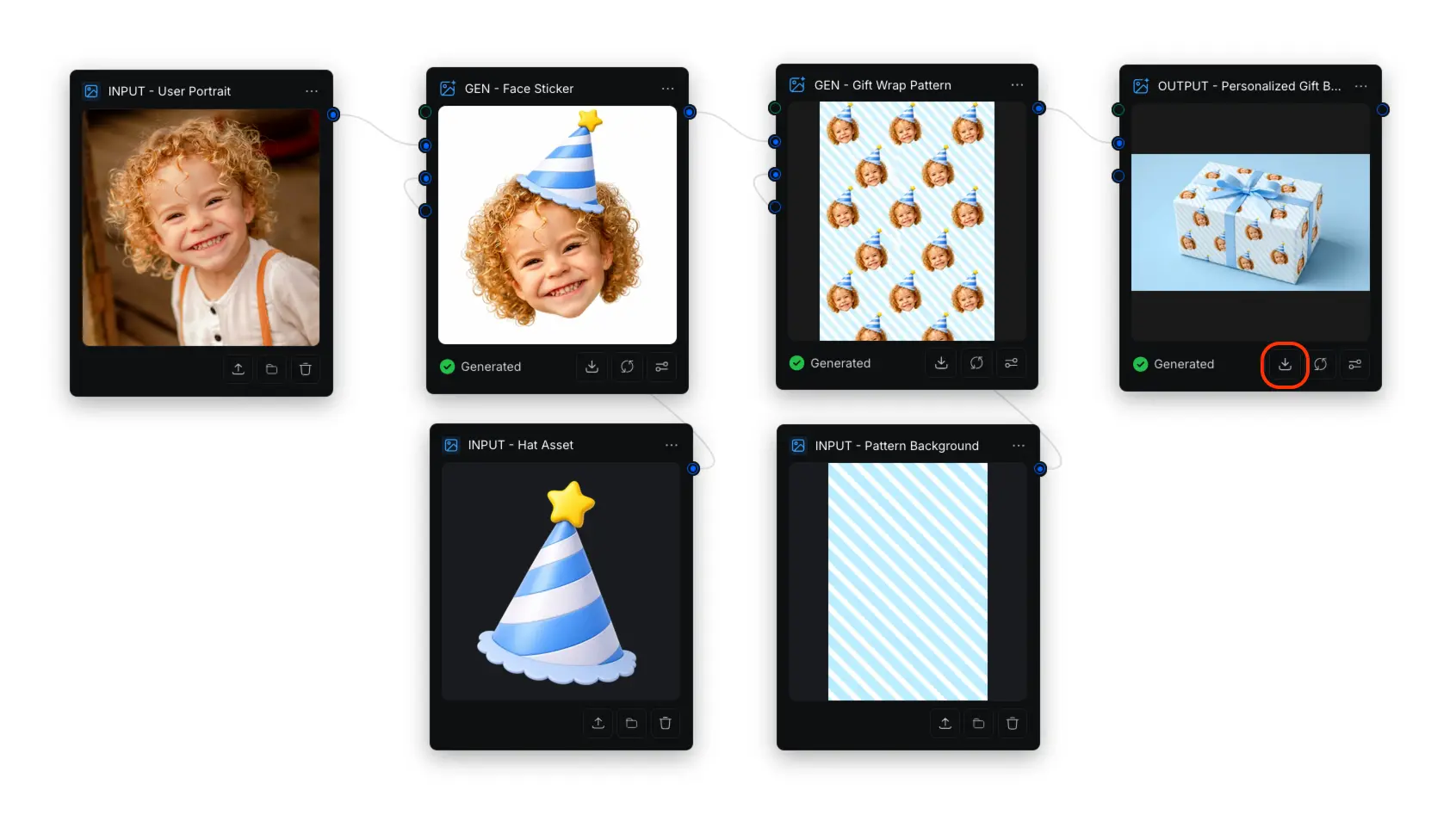
- Locate the node containing the generated result.
- Click the Download icon at the bottom of the node.
Select a Version to Download
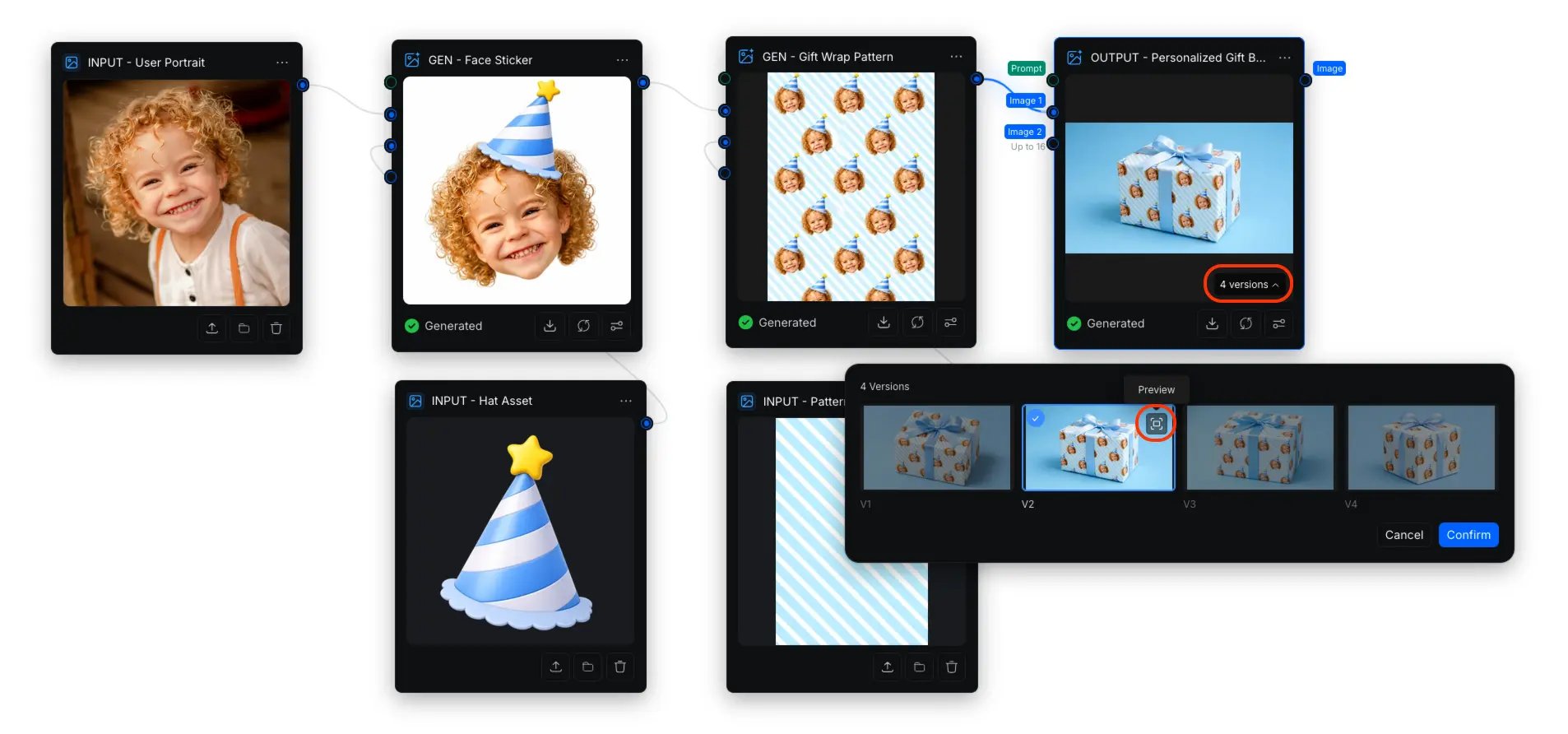
When multiple results are generated together, the result node shows the number of available versions:
- Click the version count, such as 4 versions, to open the version selector.
- Select the version you want.
- Click Confirm to use that version in the node.
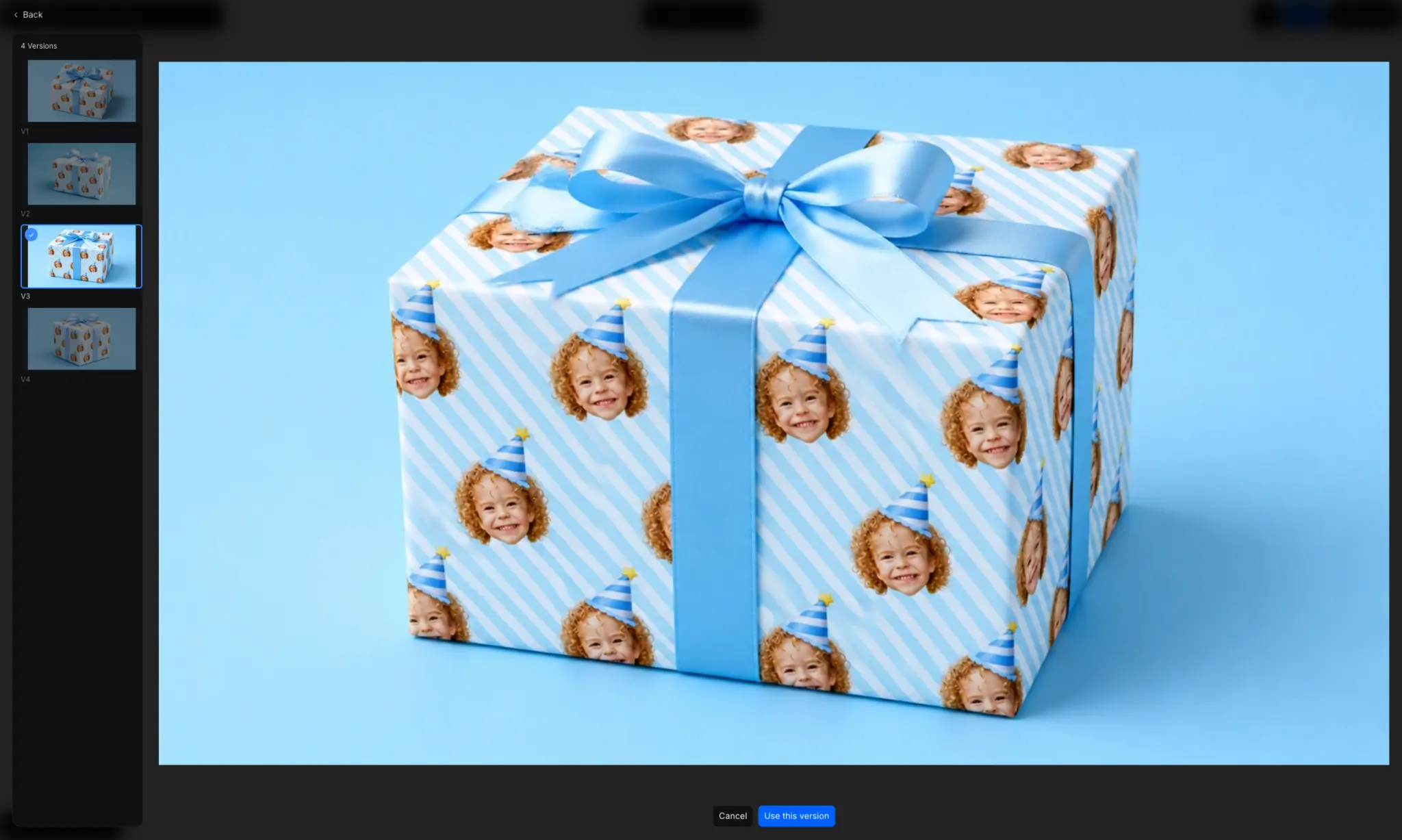
To inspect a version more closely before selecting it, click its Preview icon. In the full-size preview, choose a version from the left side, then click Use this version.
After selecting a version, click the Download icon on the result node to save it.
For more information about generating several image results together, see Image Generation.
Preview and Download a Result
Use the preview when you want to inspect the selected result more closely:
- Click the generated result inside the node to open the preview.
- Click the Download icon at the bottom of the preview.